A fleet of 21 vehicles
Cars, buses, trucks, bicycles, a scooter, a tuk-tuk, aircraft and a steam train in a consistent cartoon style.
Bring your next scene to life with 21 fully rigged cartoon 3D vehicles. Open doors, adjust lights, turn the wheels and make each vehicle your own in Blender. From a city car to a steam train, start with a fleet full of character.
21 vehicles · Blender source files · Rig controls · PNG renders
Cars, buses, trucks, bicycles, a scooter, a tuk-tuk, aircraft and a steam train in a consistent cartoon style.
Work with vehicle controls in Blender to pose the wheels, open doors and adjust the lights.
Blender source files, transparent PNG renders and export formats including FBX, OBJ and glTF.
Start with the model and rig already in place. Adjust the details, choose a pose and focus on the story you want to tell.
Use the Blender rig to open and close doors, turn the wheels and steering wheel, and control the lamps. The van demonstration shows the controls in action, so you can see how the vehicle responds.
Pose a parked vehicle, prepare a driving scene or set up your own animation.
Change colors, adjust materials and add your own logos in Blender. Create a delivery fleet, a playful brand illustration or a vehicle that matches your scene’s palette.
This rendered example explores an electric-car concept using a Vehiclez model.
Work with editable topology when you want to take a vehicle further. Inspect the mesh, refine its shape and build on the original model for your own Blender project.
The wireframe preview shows the tuk-tuk’s underlying geometry.
Named collections keep the geometry, rig and scene elements organized. Locate the relevant parts as you customize a vehicle or bring it into a larger composition.
The included tutorial introduces working with the library in Blender.
Use Blender for the source rigs and customization. Use the supplied renders or 3D exports where they fit your project.

BLEND
Editable source scenes with the vehicle rigs, materials and controls.
PNG
Transparent-background vehicle renders for layouts and visual compositions.
FBX / glTF
3D exports for compatible tools. Check materials and rig behavior in your target application.
OBJ / MTL
Mesh and material files for workflows that do not need the Blender rig controls.
Explore a selection of the vehicles. Click any image for a closer look.
Combine your vehicle with an environment, props and characters to create an illustration or animation with a story.
Get the vehicle library, Blender source files, renders and tutorial. Choose a vehicle and make it yours.
Get Vehiclez for $59Explore more ThreeDee packs with the Lifetime Deal.
If you like what we do, support us, by sharing this webpage
Choose between modular 3D packs with thousands of combinations or standalone 3D models ready to use.
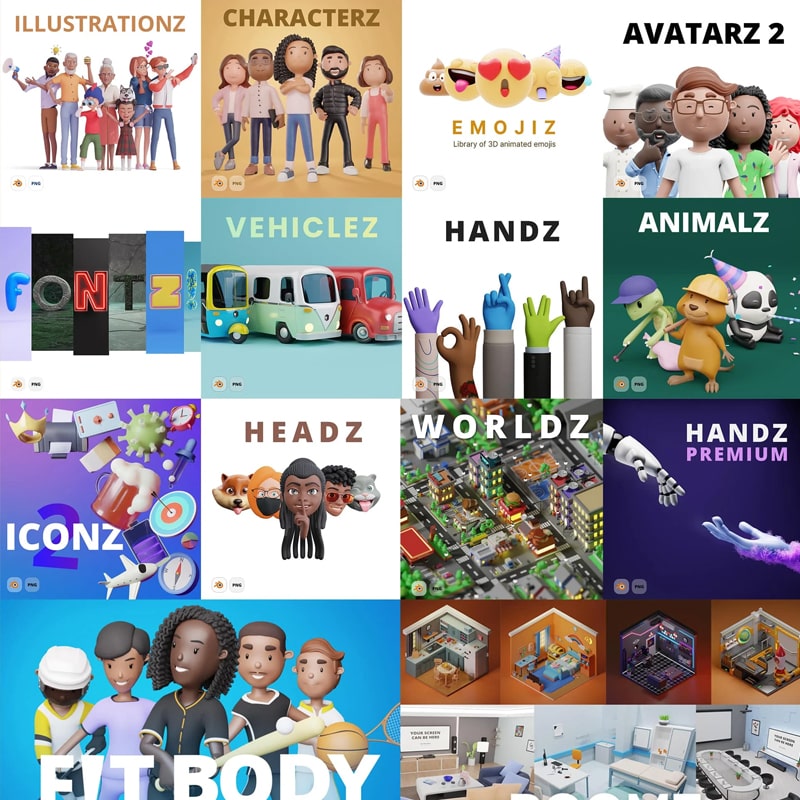
Get access to all current and future 3D packs at once with a 70% discount. With the Lifetime Deal, you get access to all of our current 3D packs from ThreeDee, future updates, and all new 3D packs.
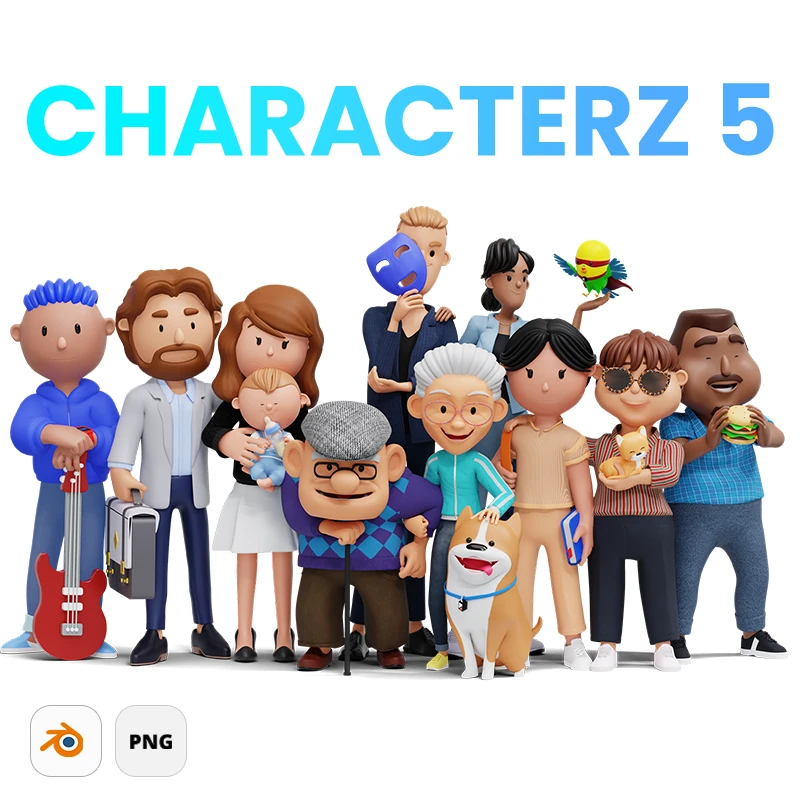
The biggest 3D library in the world with 3 000 000 000+ combinations of diverse 3D characters. Multiple ethnicities and age groups included. 50,000+ PNG files rendered out of the box. 3D scenes included. Character generator version 2 included.
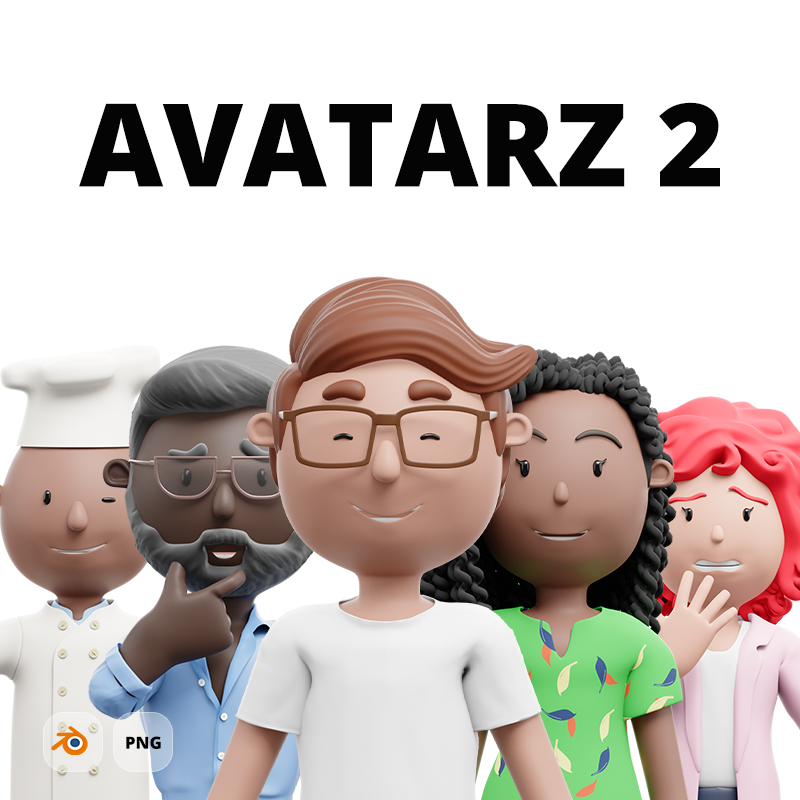
8 000+ combinations of upper-body 3D avatars out of the box. Blender Generator included. Step by step tutorial how to customize avatars included.
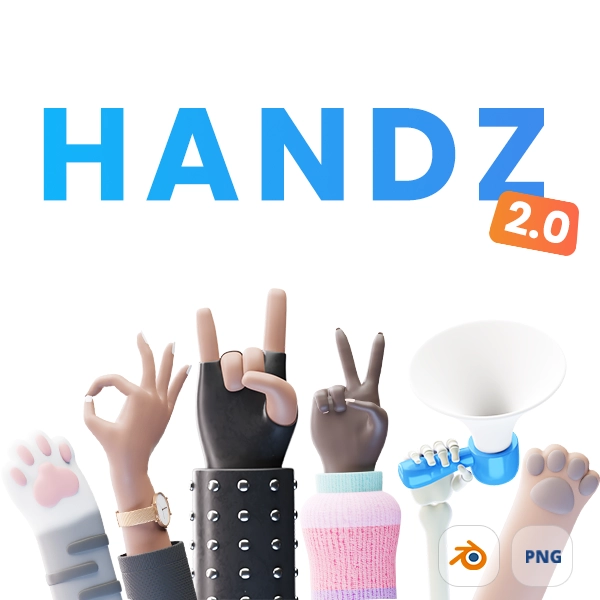
Free library of diverse 3D hands in various gestures. 320+ files included.
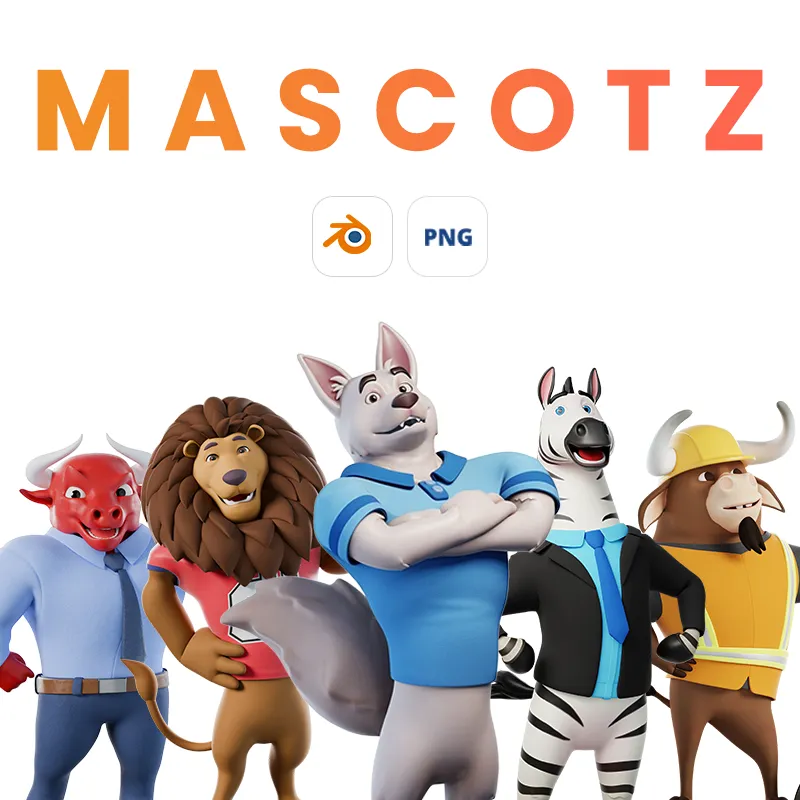
5 fully rigged 3D cartoon mascots: Lion, Zebra, Bull, Wolf, and Business Bull. Includes Blender, FBX, GLB, OBJ, MTL, textures and PNG files.
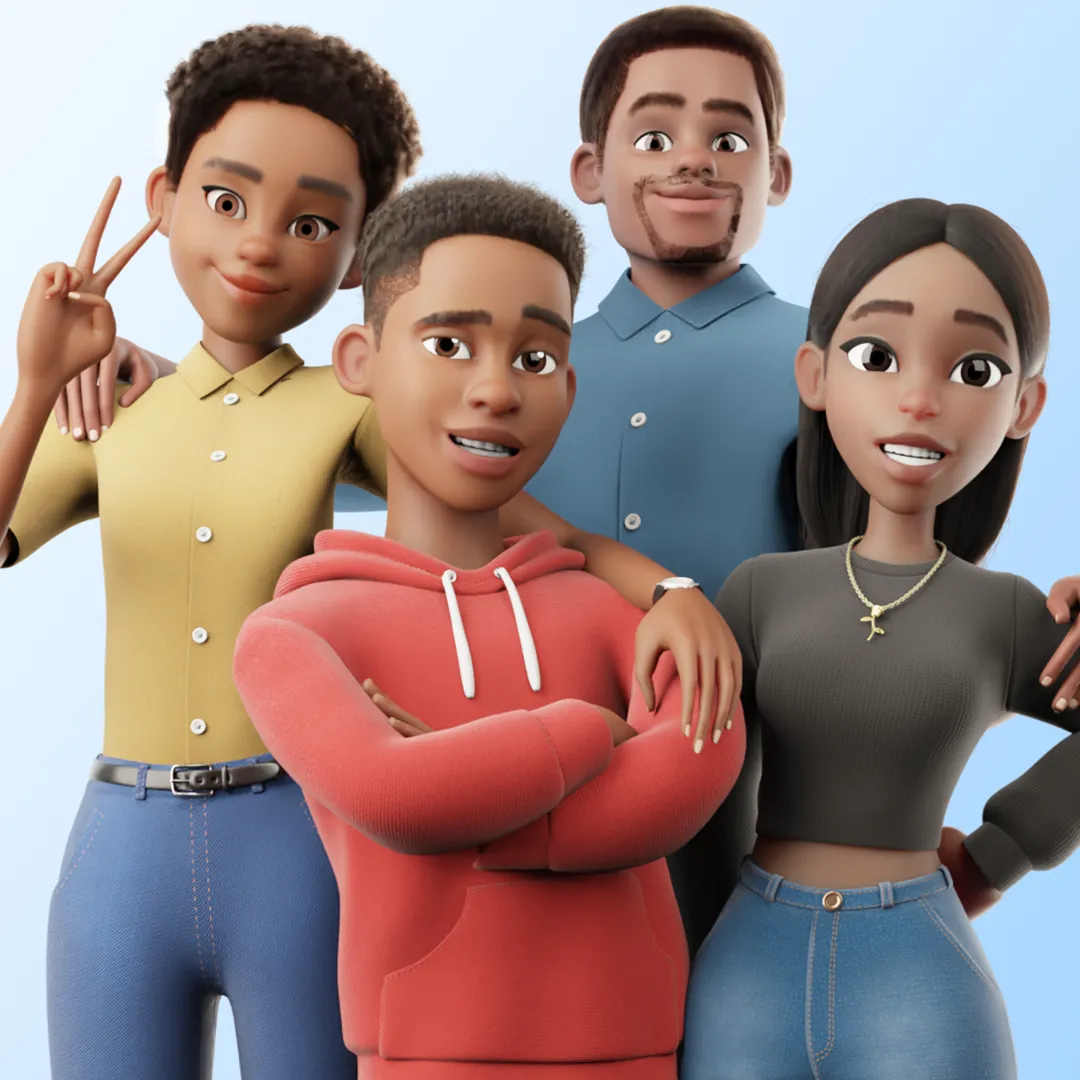
Complete family pack with 4 fully rigged 3D characters in Disney/Pixar style. Great for professional 3D animation, games, and design projects.
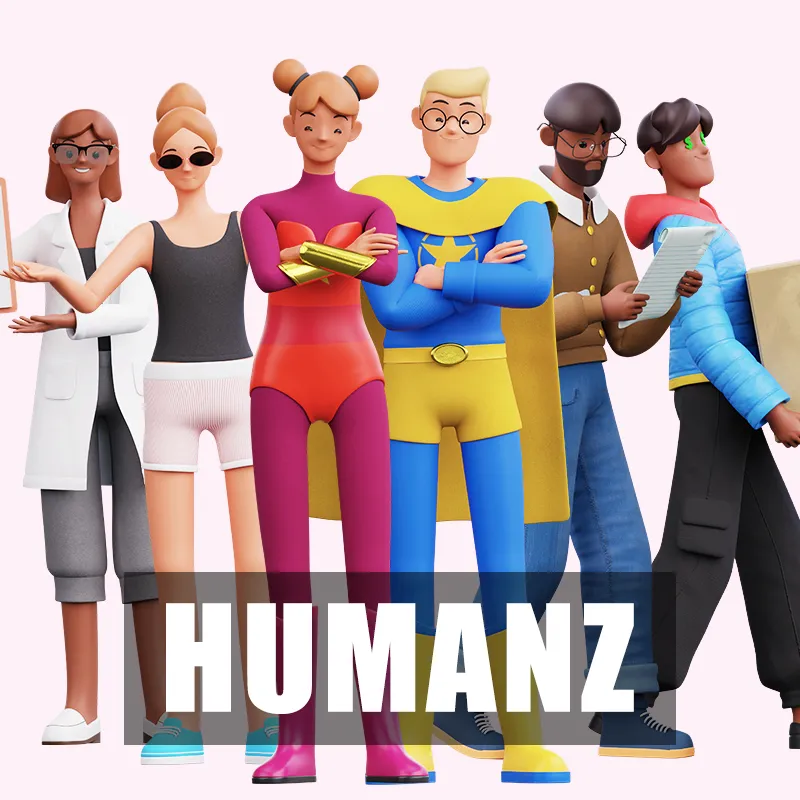
Professional 3D cartoon human models pack with fully rigged Female and Male low poly human characters. Includes face rig, animations, and multiple customization options.
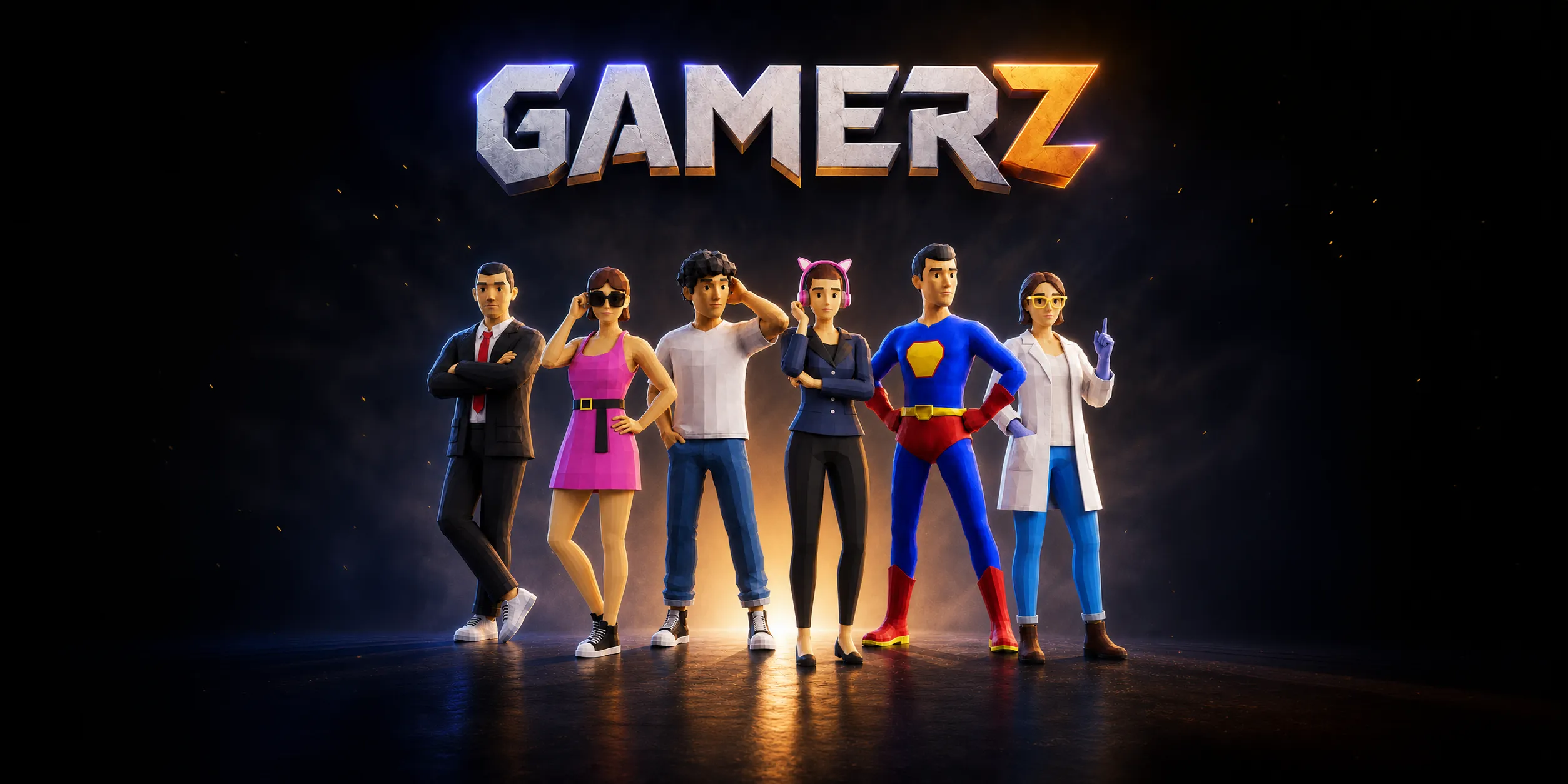
Low-poly 3D character starter pack for making games and prototypes faster. Includes female and male modular characters, gameplay animations, outfits, hair, accessories, ARKit facial expressions, lipsync, and Blender source files.
One familiar cartoon character for business, casual, travel, fantasy, and construction scenes. Fully rigged, expressive, and ready for animation.
Massive and multi-purpose 3D library of 167,000,000+ combinations of 3D characters. Adults, Kids, Elders, Pets are included.
Alternative to Apple Memoji with 400,000+ combinations of 3D heads. Male, Female and Pets included.
Faceless rigged 3D cartoon characters. Adults, Kids and Musculars in various poses included. Source and PNG files included.
Lovely 3D emoji pack of animated 93 looping emojis. PNG, GIF, MOV and Blender files included.
Cute fully rigged various 3D animals with 3D objects in various poses.
Chibi 3D models of modular characters. Various outfits, hair types and accessories included.

Customizable male and female 3D mannequins for character modeling, sculpting, and posing. Rigged Blender bases with body-type shape keys, adjustable proportions, and clean quad topology.
Free modular 3D cartoon robot with various heads, bodies, hands, and accessories. Blender, Figma, and PNG files are included.
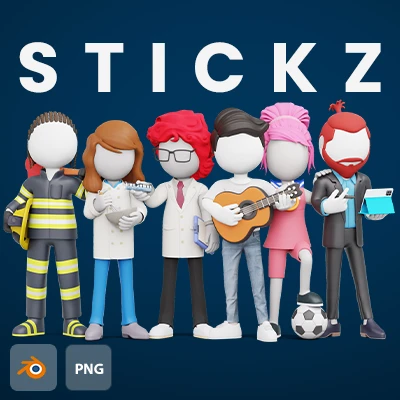
2 Billion combinations of 3D stick figures at your fingertips. Easy to use and easy to customize in Blender.
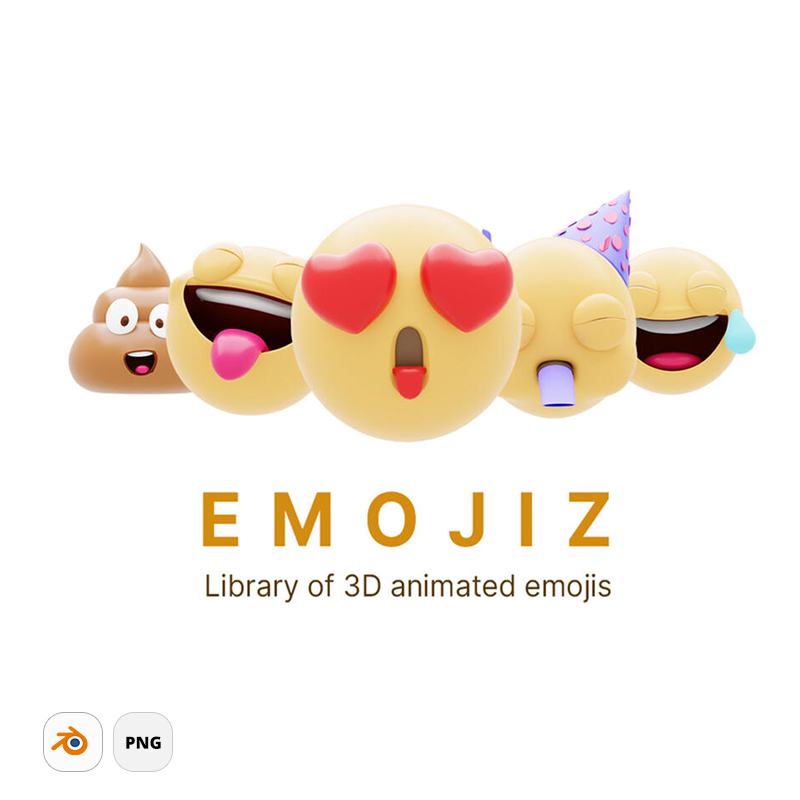
77+ animated 3D emojis with transparent background. PNG, GIF, MOV and Blender files included.
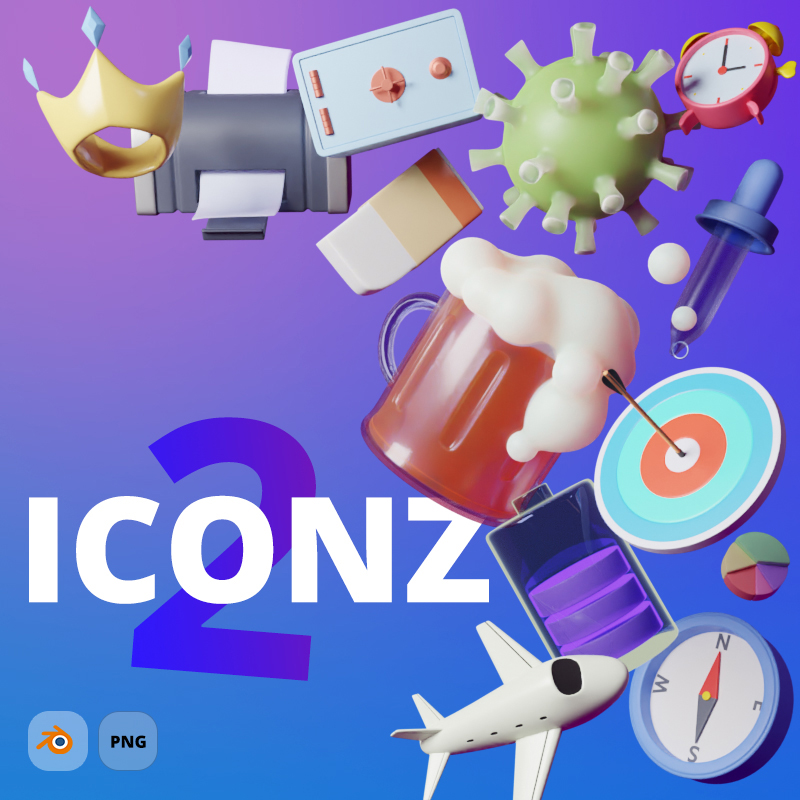
More than 460+ 3D icons included in various angles and materials. Possibility to order custom 3D icon.
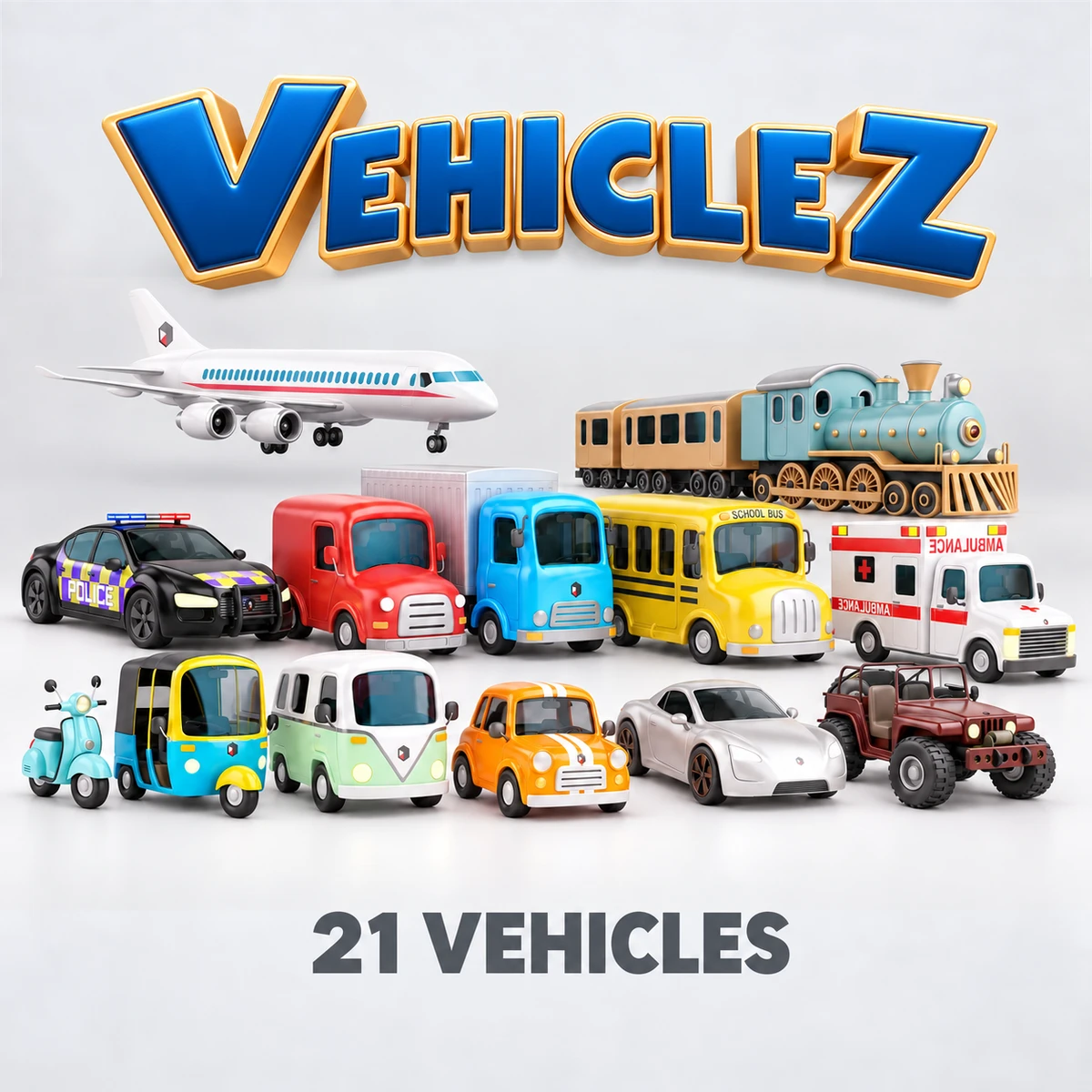
21 fully rigged cartoon 3D vehicles with editable Blender files, PNG renders and 3D export formats. Customize them for your scenes and animations.
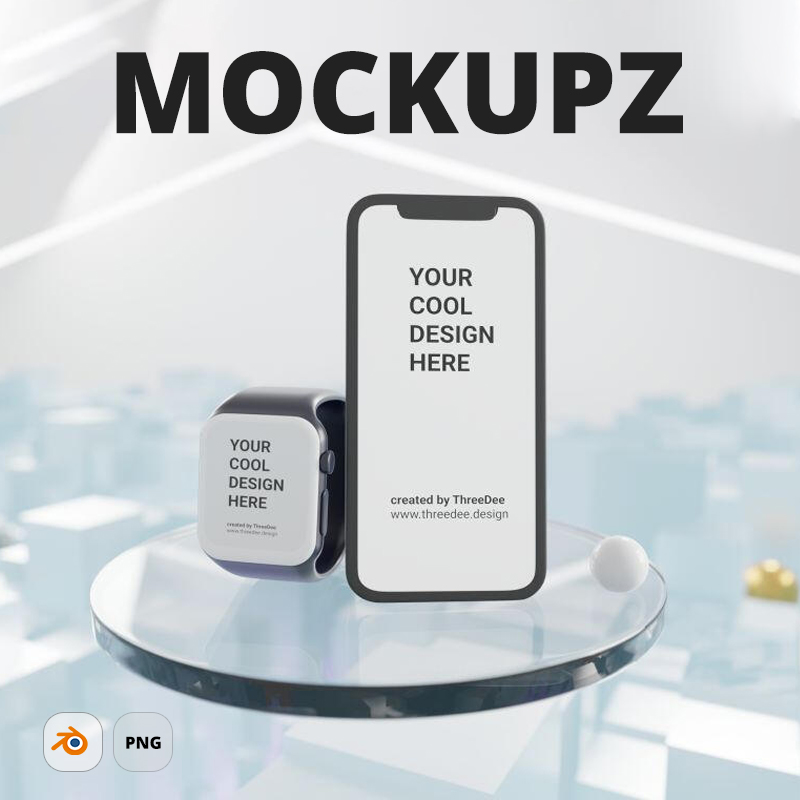
Free 3D mockup scenes for showcasing your design work in style.
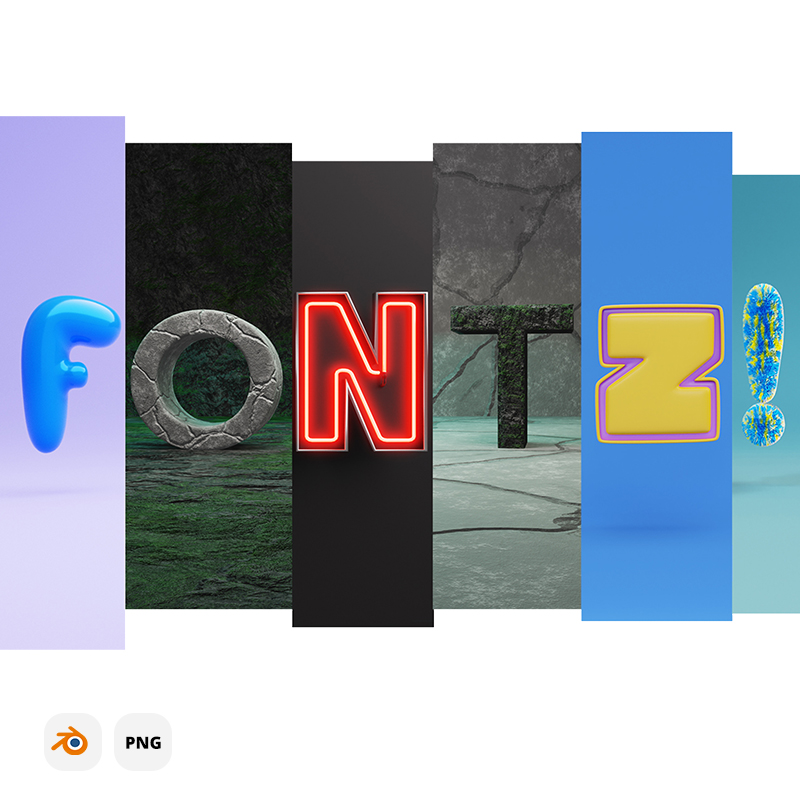
Free and premium various 3D fonts. From Candy to Cyborg 3D fonts with source files included.
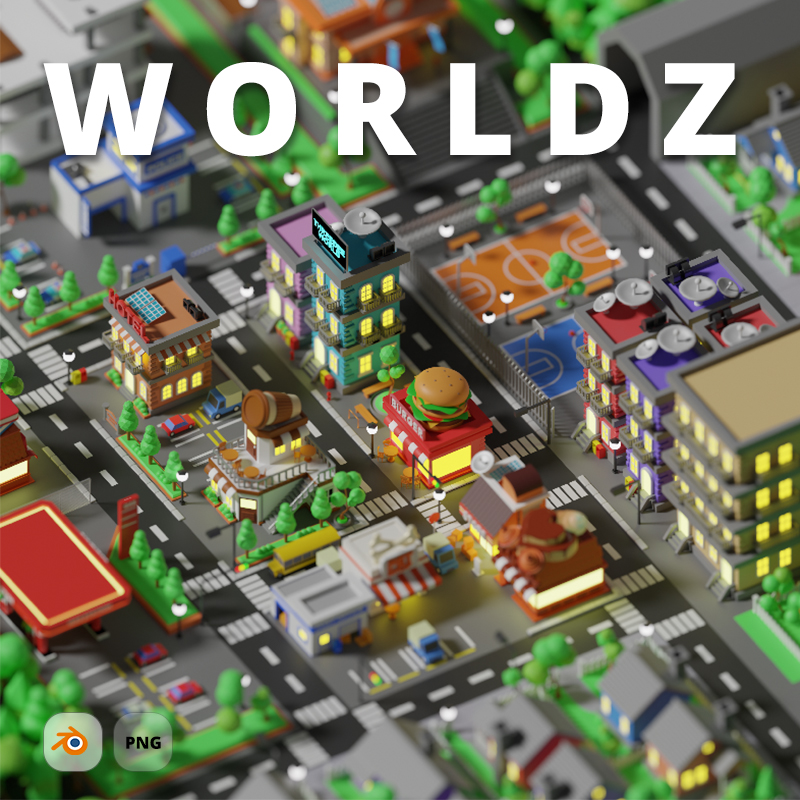
Build your own 3D world with various city assets and world generator.
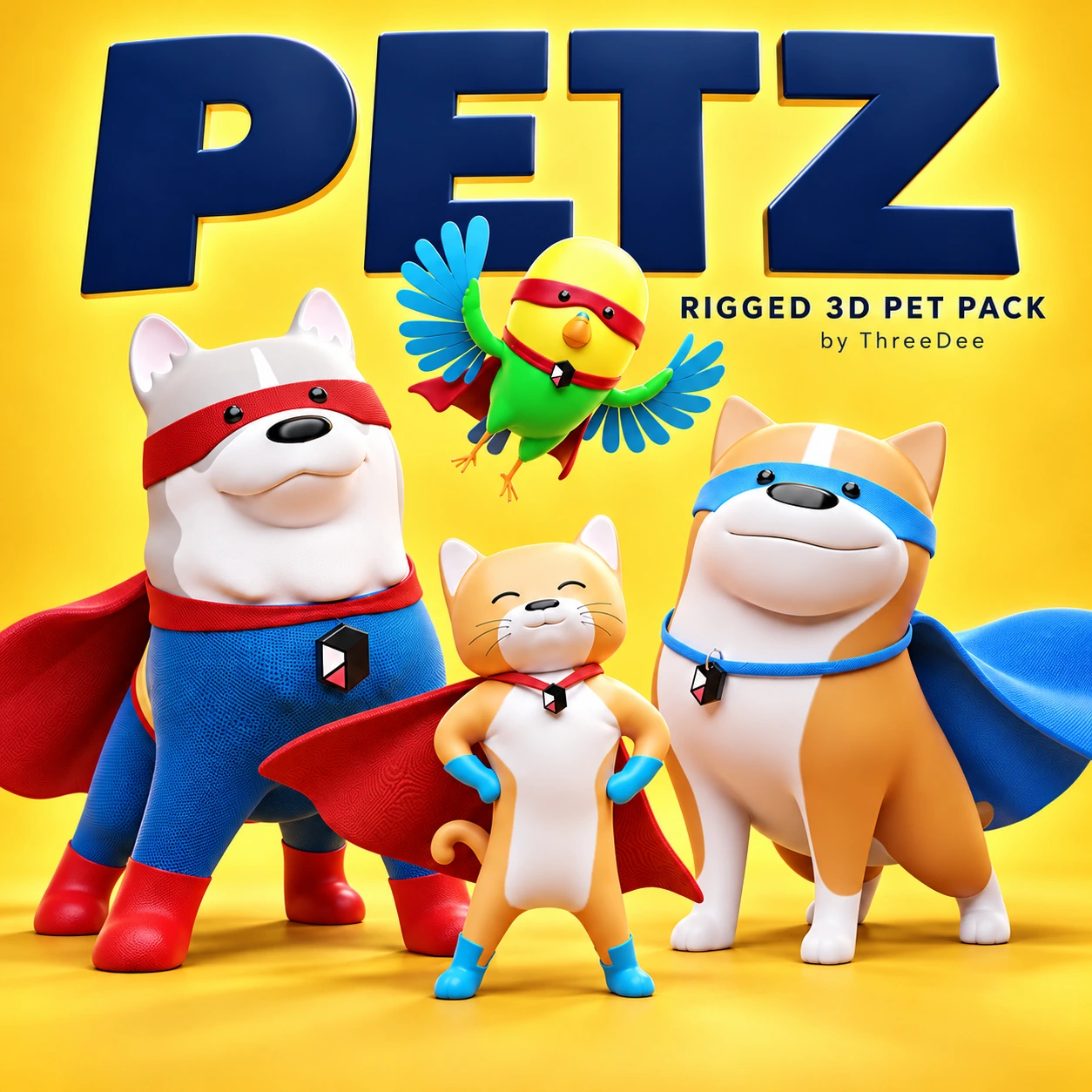
Standalone Blender pack with two dogs, a cat, a bird, body and face rigs, superhero outfits, and 19 preset poses.
Additional poses of various hands with mobile phones, iPads, iWatches and Samsung watches.
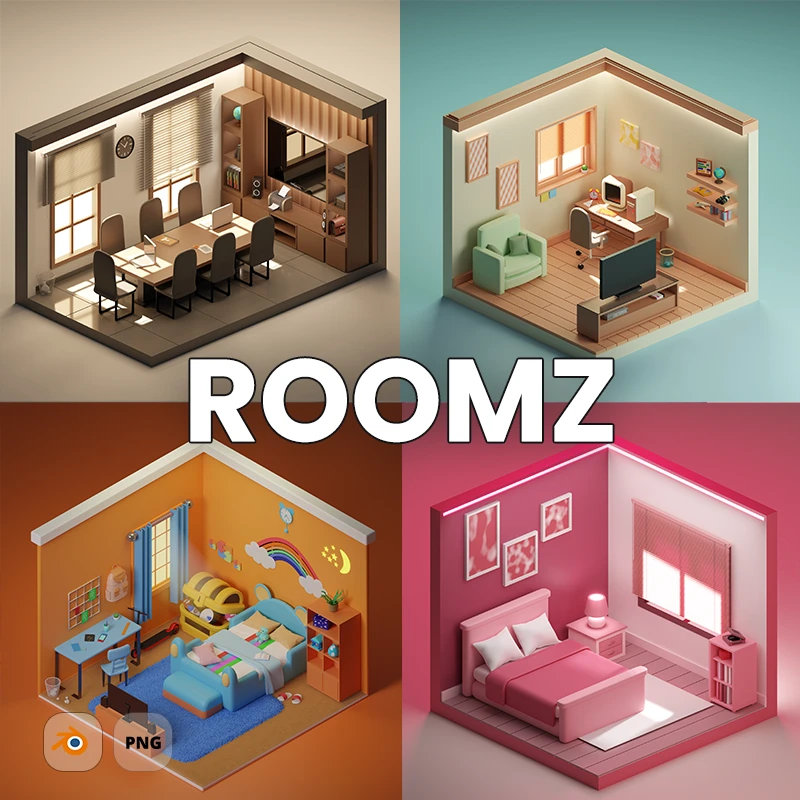
21 furnished 3D rooms with editable Blender source files. Easily customize furniture, materials, and layouts, or remix components to create new scenes for your characters and 3D icons.
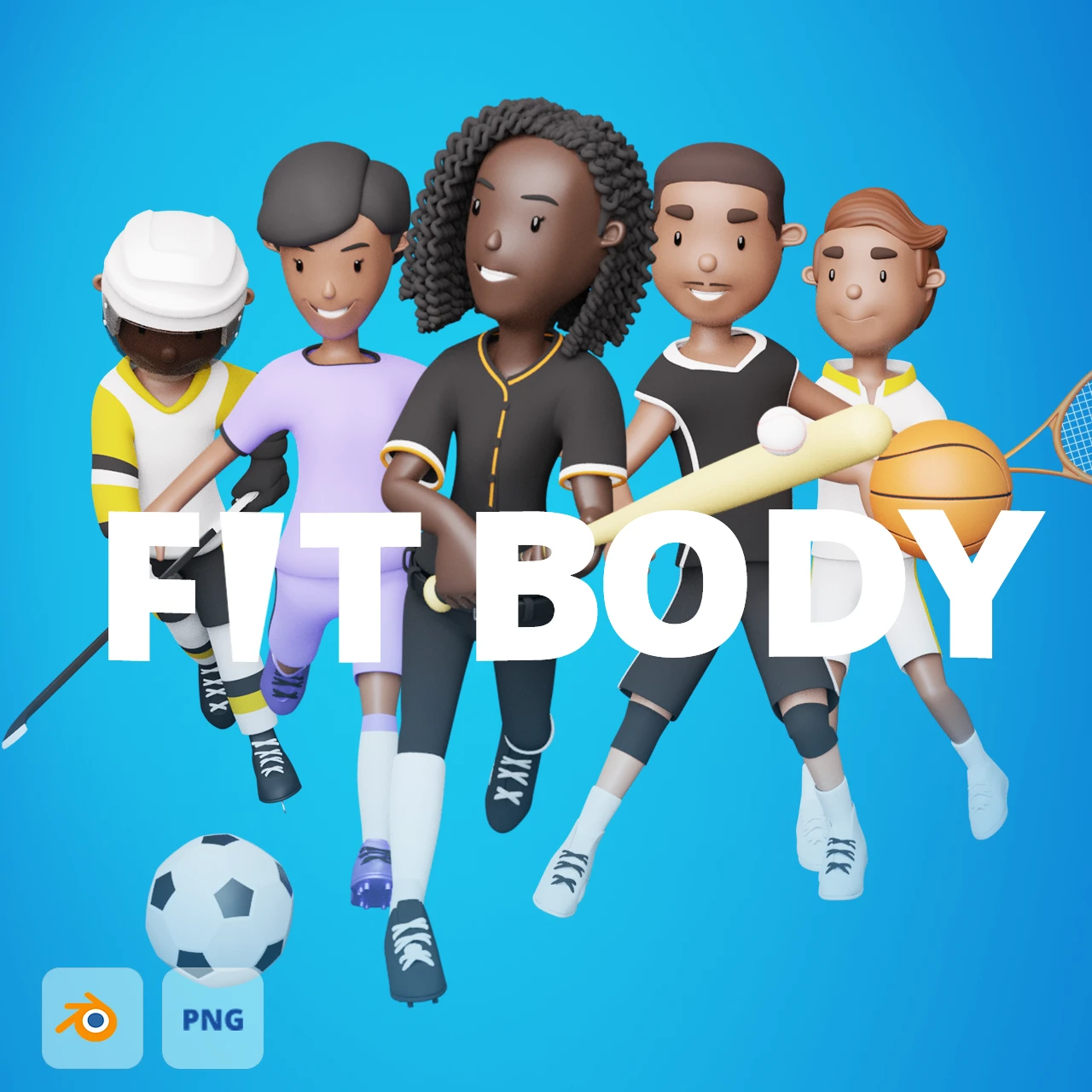
Rigged male and female 3D characters with nine outfit themes, ten poses, editable Blender files, and transparent PNG renders.