From Photo to 3D Print with ThreeDee Nova
ThreeDee Nova generates a 3D model from a photo or text prompt. You can use that model for a portrait bust, figurine or decorative sculpture, then prepare it for printing or order a physical print through the app.
Make a portrait bust as a personal gift
A portrait bust can be a family keepsake or a gift for a birthday or retirement. It focuses on the head and shoulders, so the face and hairstyle are central to the likeness.
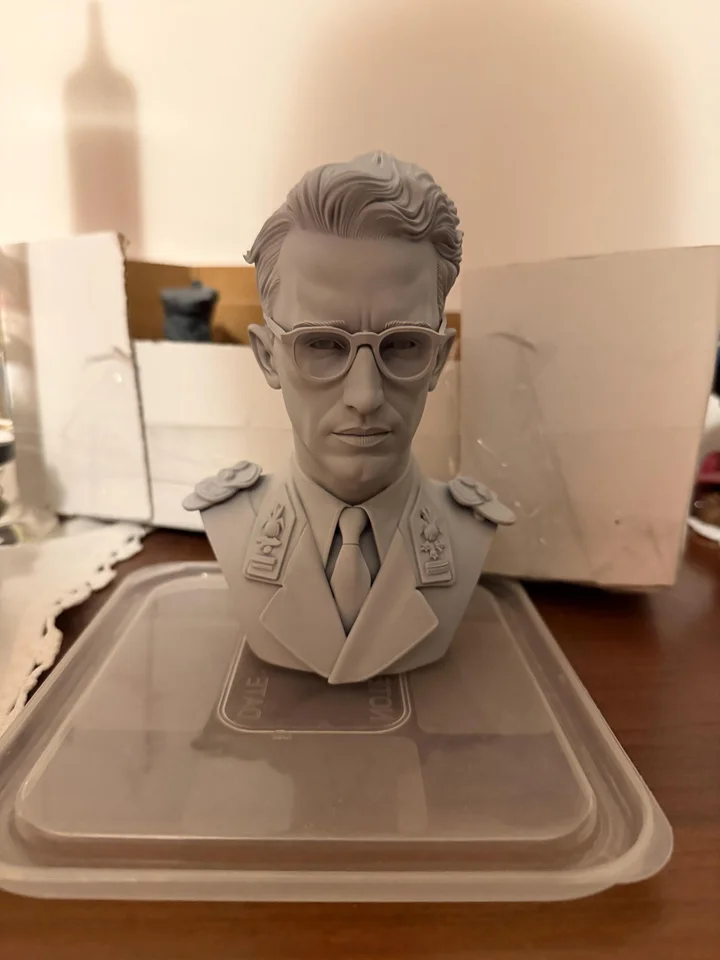
Choose Bust Maker in Nova for this type of project. Enhanced Bust is an option for finer facial detail. Use a reference in which the face is clear, then inspect the generated model from the front, sides and back before approving the likeness.
Turn a hobby into a custom figurine
A full figure can include the pose and objects associated with someone's hobby. This angler holds a fish and wears a cap, sunglasses and fishing gear.
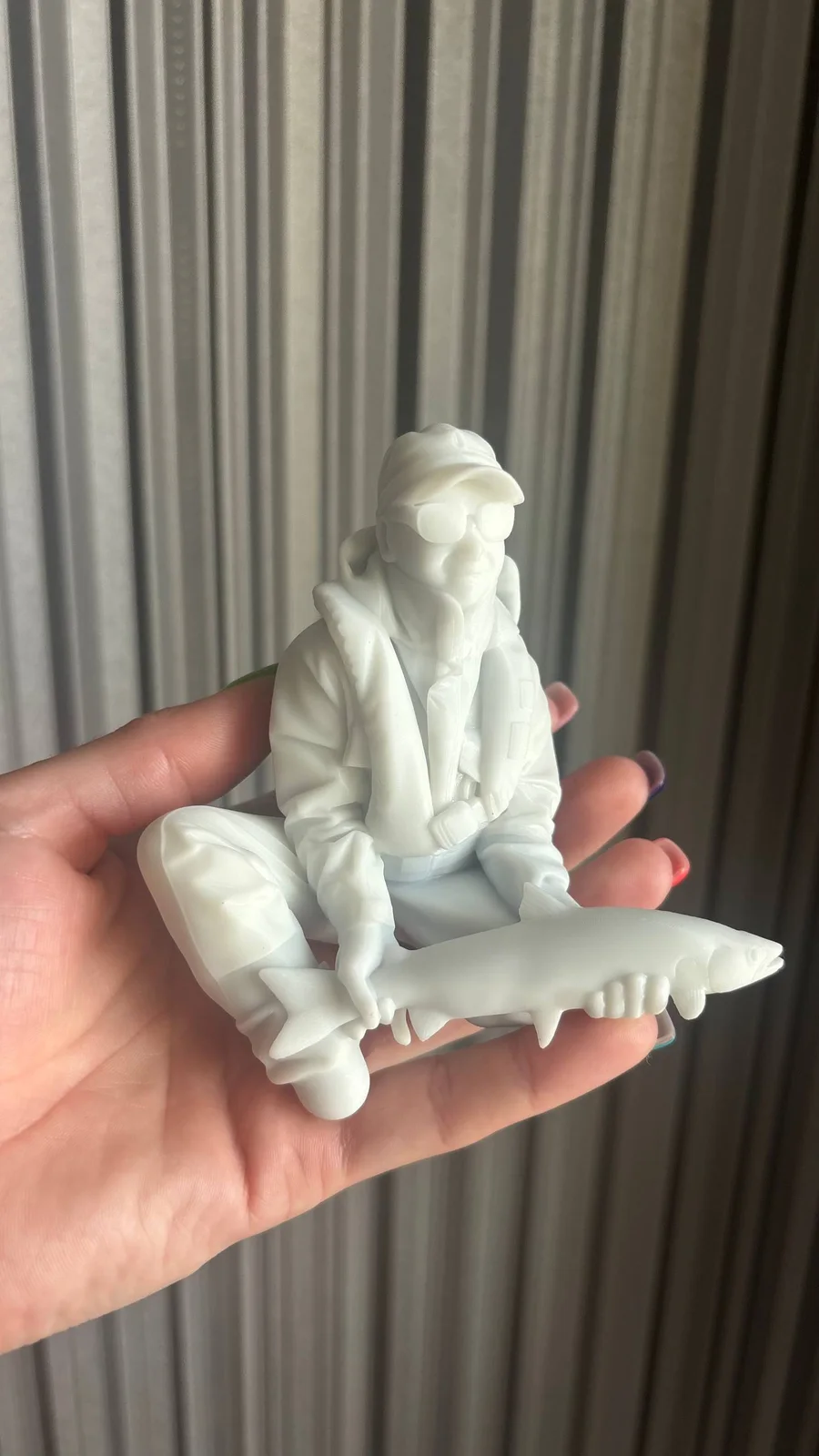
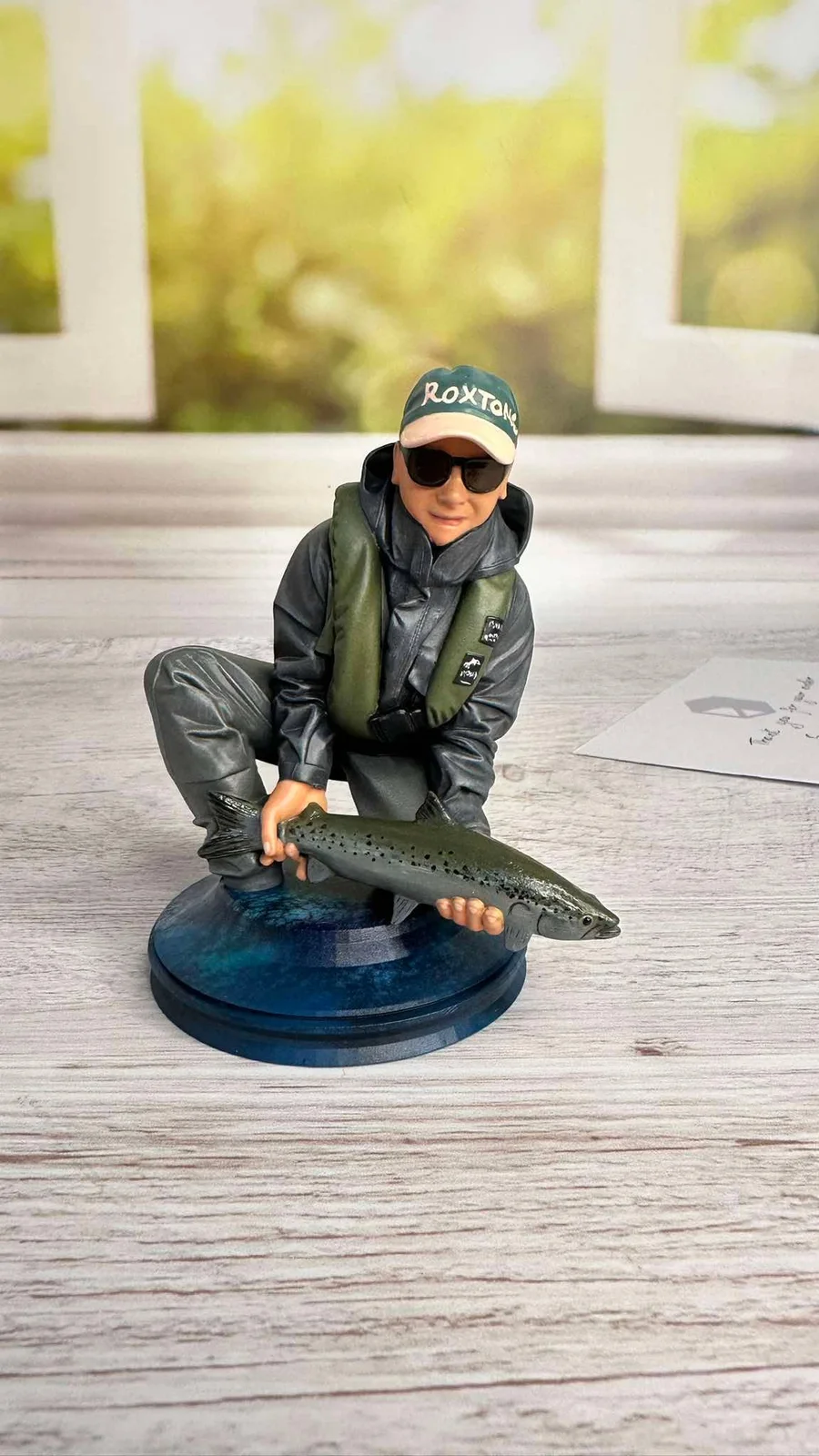
For a personalized 3D printed gift, choose a recognizable activity and one or two objects that belong with it. A gardener holding a plant or a cyclist carrying a helmet are other ideas to try.
Decide whether you want an unpainted sculpture, a piece to paint yourself or a finished painted figure.
See a character from reference to finished print
This video pairs an armored musician reference with the finished figure rotating on a turntable. It shows how the hat, armor and instrument look from several angles, including the back.
Make a decorative sculpture
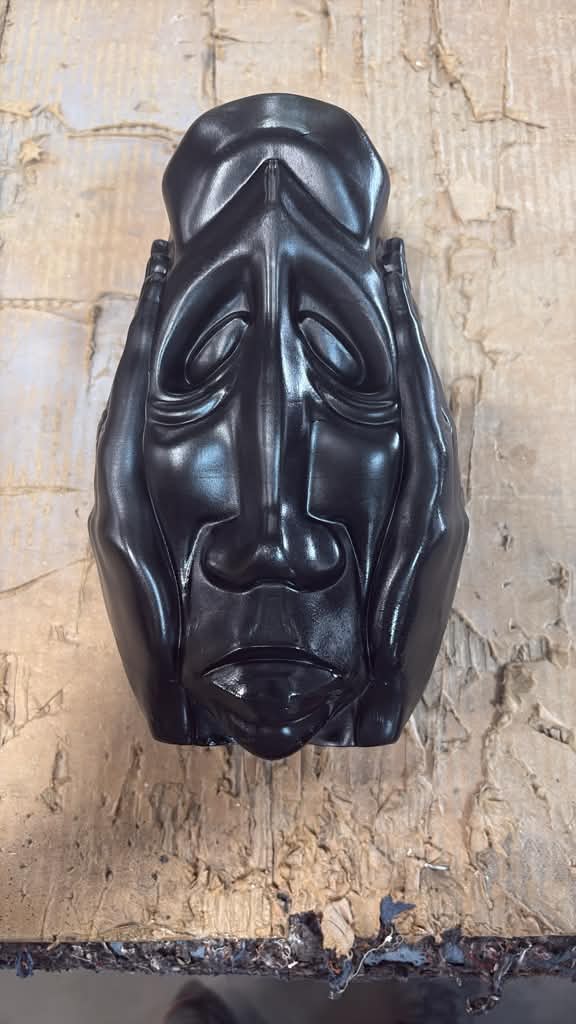
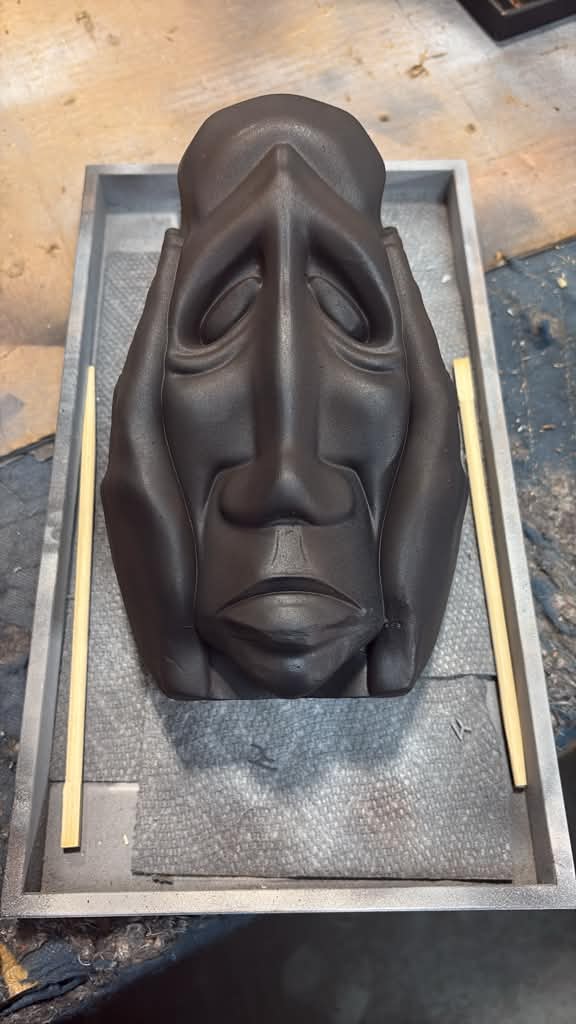
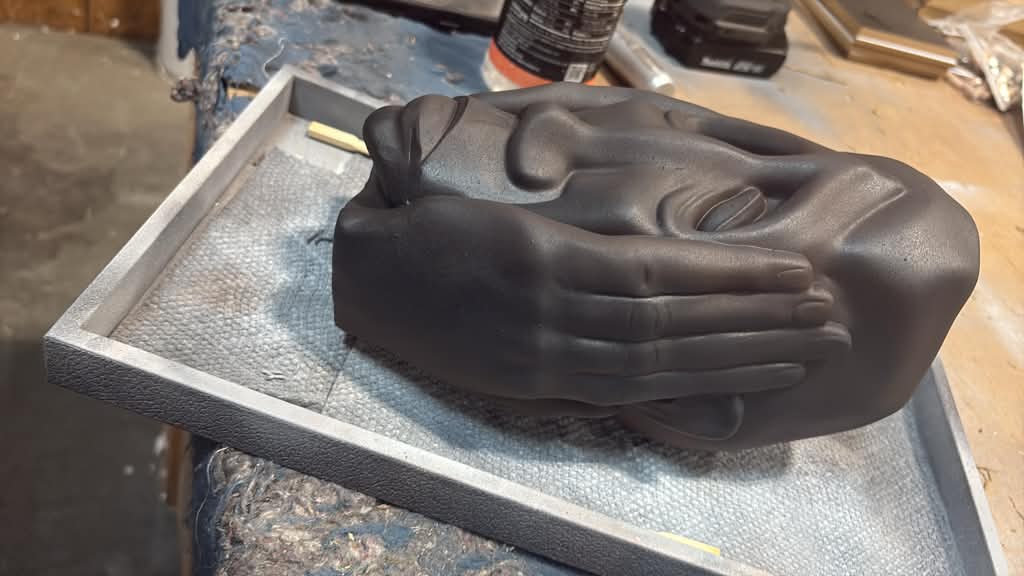
This face sculpture was generated with ThreeDee Nova, then 3D printed and given a charcoal finish. The before-and-after photos show the change from a glossy black surface to a matte finish.
Start your own photo to print project
- Choose a clear reference. Show the subject against a simple background. For a full figure, include the pose and any important objects in the frame.
- Generate and inspect the model. Generate your model in Nova, then rotate it to check the profile, back, hands and accessories. Nova estimates surfaces hidden from the camera, so correct anything that looks wrong before printing.
- Choose the print size and finish. Inspect thin features such as glasses, fingers and instrument parts at the intended size. Some details may need thickening or simplifying for printing. Decide whether the piece will stay unpainted or receive a finish.
Once you are happy with the model, choose how to make the physical object.
Order a print through Nova
You can order an unpainted or hand-painted resin print in the app. If a model detail needs correcting, our artists can adjust it before printing. This option lets you get a physical piece without owning a printer.
Prepare a file for your own printer
Use Convert as STL on the model page when available. STL stores the surface geometry without the model's color textures, so a textured preview does not mean the file will print in those colors.
Open the STL in your slicer, the software that prepares a model for your printer. Set the intended size, check the layer preview and add supports where needed. Use settings suitable for your printer and material.