Characters & riggingAnimation & visuals
7 things you can build with 3D characters and animals
Seven ways to use 3D characters and animals in apps, books, training and games, with suggested asset packs and practical first steps.
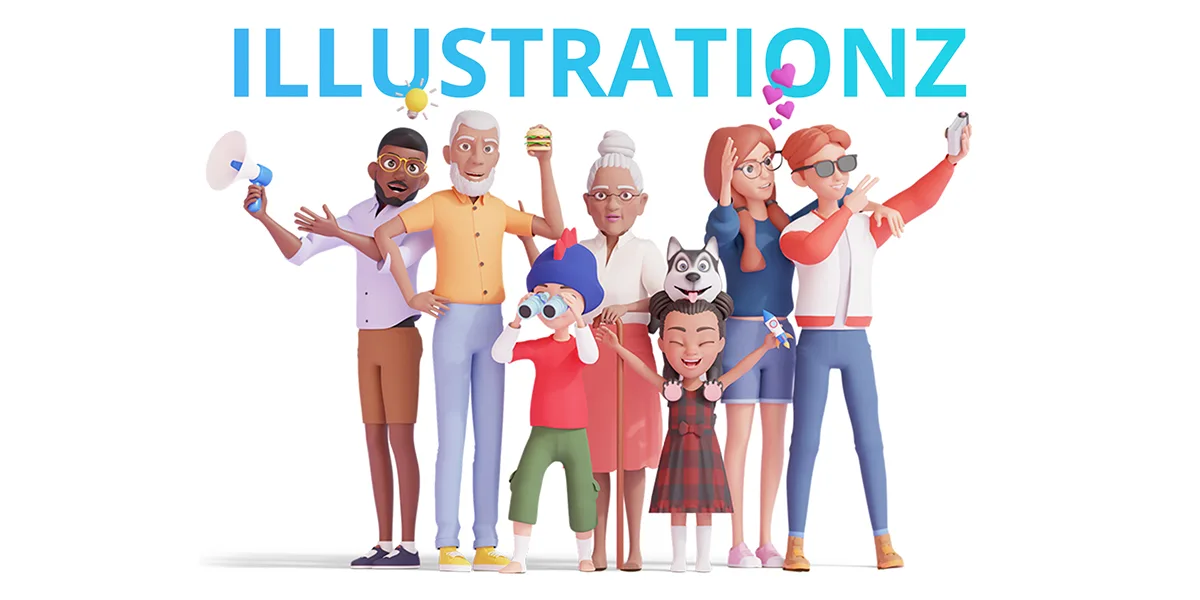
Characters and pets from the Illustrationz library.
A fox can become the hero of a children's book. A human character can guide someone through their first day at work. A small bird can become a companion that players return to every morning.
These seven 3D character projects use ready-made assets for illustrations, animation and interactive apps. Each idea includes a starting project, a suitable asset pack and a possible way to sell the finished work.
1. Build a 3D avatar creator for a community app
Give members a character they can recognize across profiles, conversations and activity screens. A reading community could show an avatar celebrating a finished book. A fitness app could use the same character on a profile and a weekly progress card.
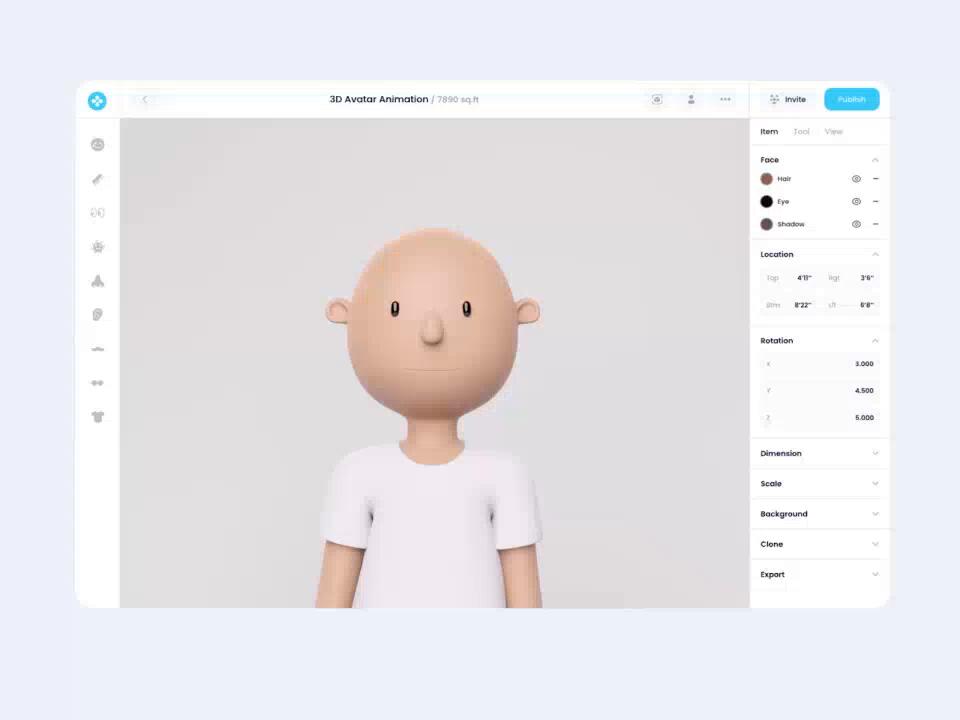
Avatar-editor concept using a Characterz model.
Start with a small set of appearance choices: a character, a hairstyle, an outfit and a background color. Keep the camera and lighting consistent so the results feel like part of one app.
Characterz includes editable Blender characters with clothing, hair and other options that vary by pack. For a simple avatar picker, render a set of images for members to choose from. A live 3D editor needs controls connected to the model's appearance options and a way to save each member's choices.
The first prototype can cover three steps: choose a look, save it and display it on a profile.
The avatar feature could be part of a paid community membership, with optional outfit collections.
2. Create a children's book and animated series with 3D animals
A recurring cast makes it possible to connect a picture book, a read-along video and a series of short stories. Imagine a curious fox and a cautious turtle learning to solve everyday problems together.
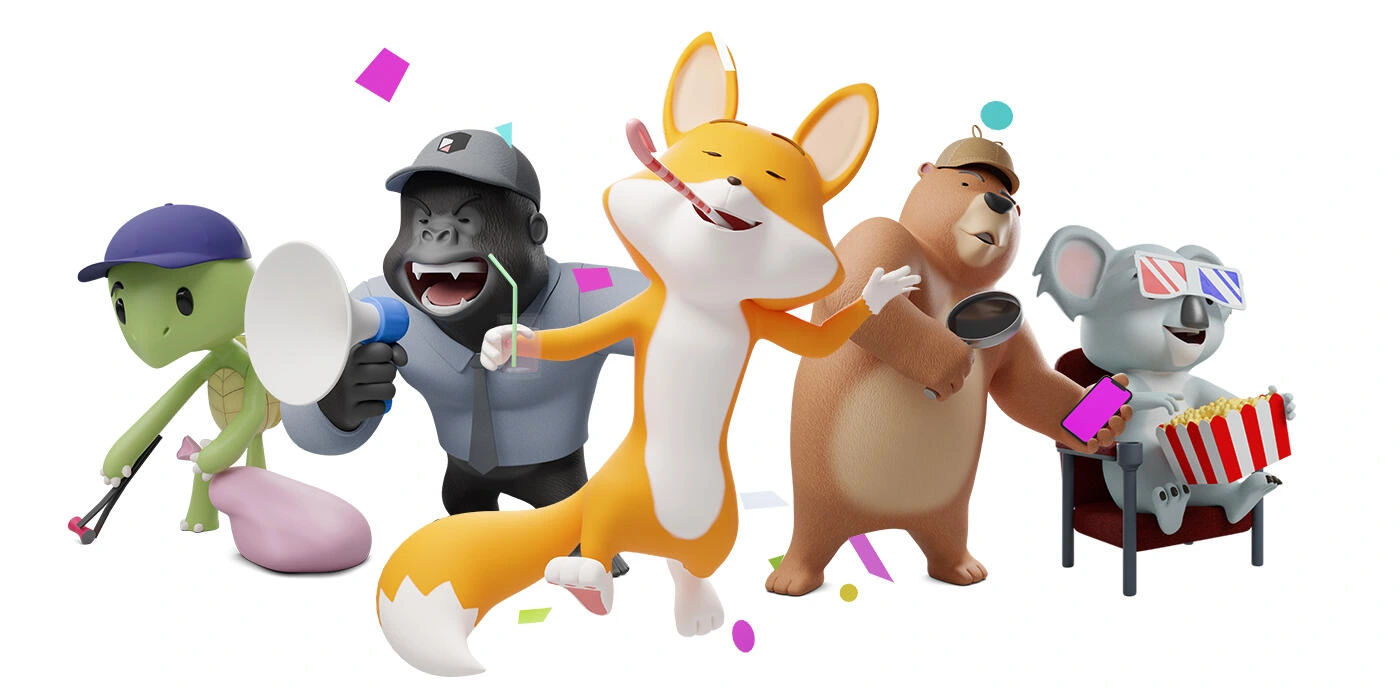
Animalz characters with expressive poses and story props.
Begin with one short story and two characters. Plan six scenes, choose a consistent camera style and render the illustrations. Once the story works on the page, animate one scene with simple movement and narration.
Animalz provides 17 rigged 3D cartoon animals, including foxes and a turtle, with Blender sources, prepared poses and transparent PNGs. The PNGs can help you assemble an early page layout; custom renders give you control over framing, lighting and the interaction between characters.
If characters speak, check the chosen animal's facial controls: dedicated lip-sync controls vary across the collection.
The finished story could become a printed book, an ebook or a commissioned educational video.
3. Make a talking 3D character for interactive training
Build a lesson around a character who presents a situation and reacts to the learner's decision. The character could be a workplace instructor, a customer in a service exercise or a guide explaining a new product.
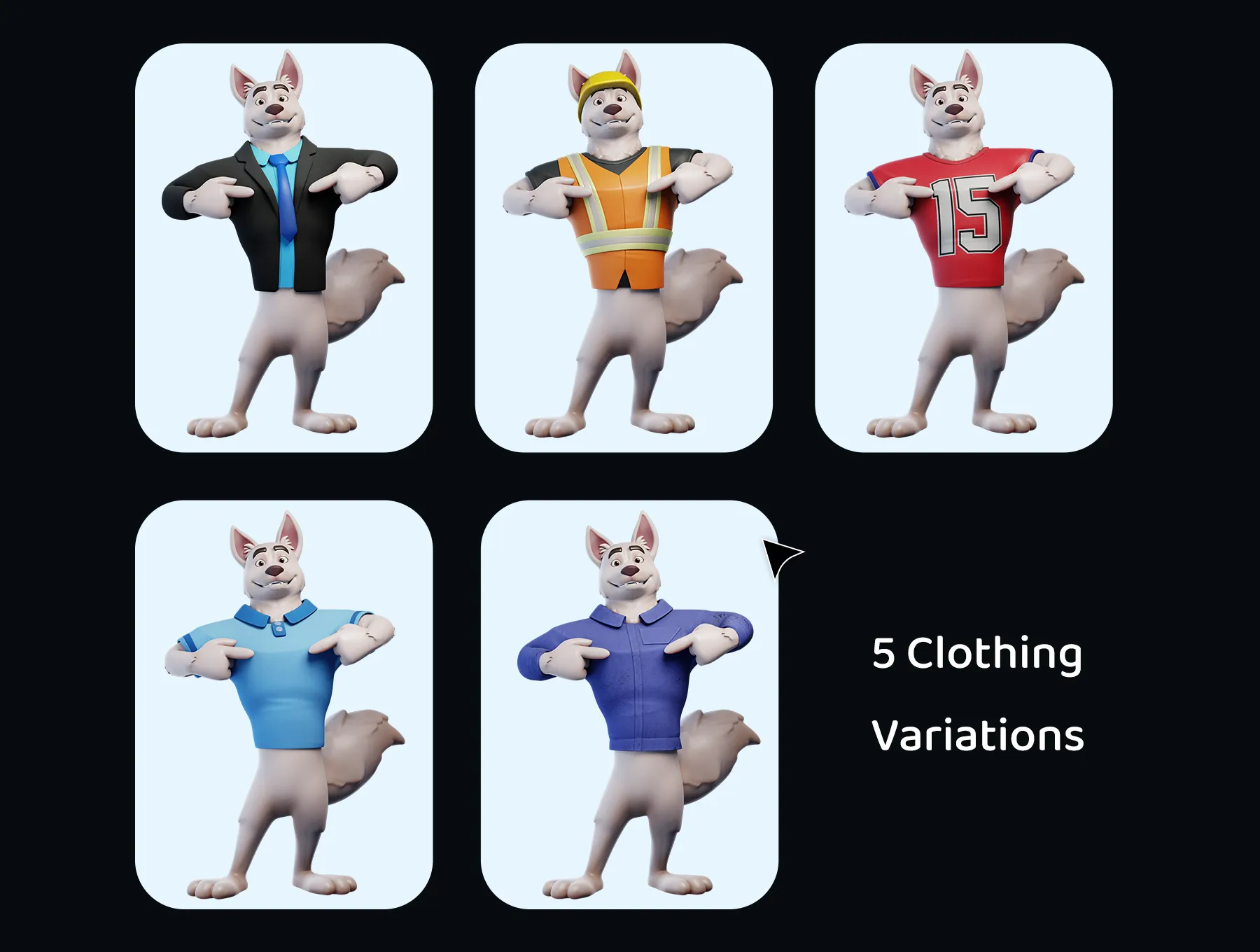
A change of outfit can put the same mascot into different training scenarios, from workplace safety to customer service.
Keep the first version focused: one scenario, three response options and a different feedback clip for each answer. For example, a safety lesson could ask the learner to identify a problem before continuing.
A branching lesson can use pre-rendered video clips. More open-ended interaction calls for a real-time character, speech playback, dialogue logic and a way to coordinate facial movement.
Mascotz offers rigged animal characters with speech shapes, facial expressions and ARKit-compatible blendshapes.
Record one line and test it on the character before writing a full course. Check whether the expressions, voice and pace suit the audience.
You could offer custom onboarding lessons for businesses, paid course modules or a training subscription.
4. Build an indie game's cast with modular 3D characters
A small town, school or spaceship can feel more populated when its characters share a visual style but have distinct roles. Clothing, hair, colors, dialogue and behavior can turn a few base characters into a recognizable cast.
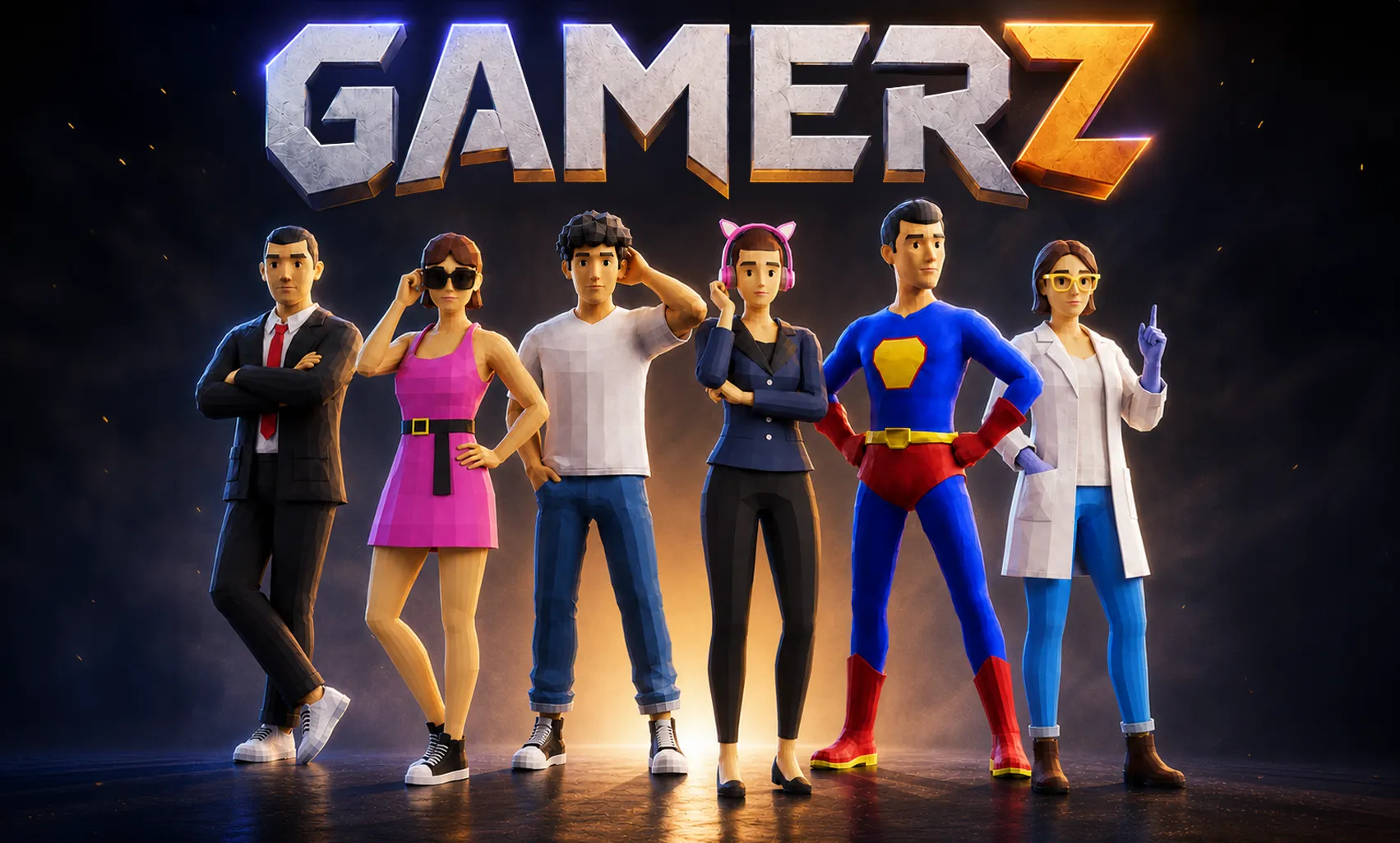
Gamerz models dressed as office workers, casual characters, a superhero and a scientist.
Start with one playable character and two non-player characters in a single scene. Give each a purpose: a shopkeeper who trades an item, a guide who introduces a task, or a rival who reacts to the player's progress.
Gamerz is a low-poly character pack with modular appearance options and gameplay animations. It includes editable Blender files; the product page lists additional export formats as coming soon.
Export the characters to your chosen engine, then check a walking animation, an interaction and an outfit change. Set up movement controls, collisions and transitions between animations in the game itself.
The project could become a paid indie game or a commissioned interactive experience. A playable scene can also help you pitch the game to collaborators.
5. Turn a 3D character into a live video-call avatar
Give a presenter or creator an avatar that follows their head movements and facial expressions during a call. The same idea could become a feature inside a communication app.
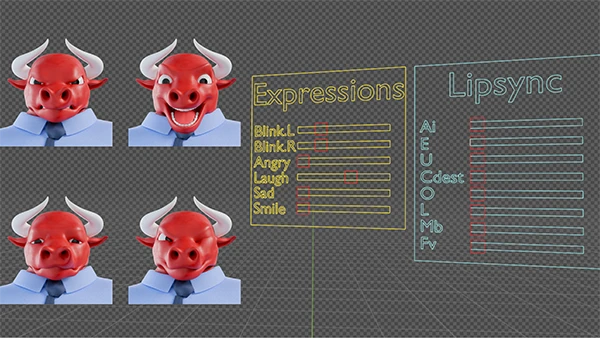
Facial-expression and lip-sync controls on the Bull mascot in Blender.
Choose a character with facial controls that your tracking system can drive. Mascotz includes 52 ARKit-compatible blendshapes. Connect those controls to tracking software and a renderer, then send the rendered avatar to the video-call app through a compatible camera integration.
Test tracking with different lighting, glasses and quick movements before using the avatar on a call.
You could sell custom avatar setups to presenters or offer the feature in a paid creator tool.
6. Build a nature-learning app with 3D birds and animals
Create short activities that help children notice differences between animals. A learner could identify a beak, match an animal to a habitat or hear a short fact after choosing the right picture.
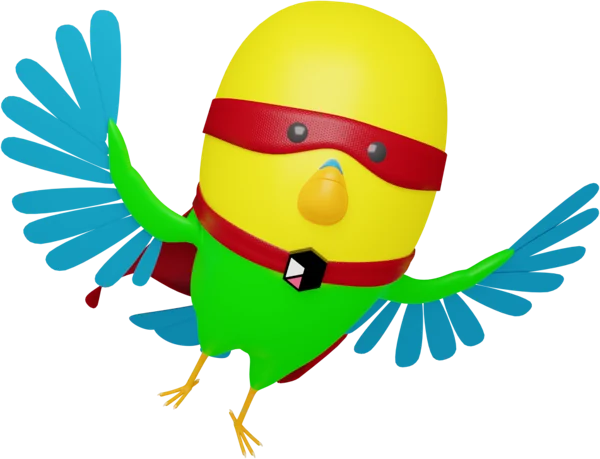
The Petz bird in a superhero outfit.
A first version could contain three animal cards, recorded narration and a five-question quiz. Use a bird as the guide who introduces each activity, then let the other animals appear in the questions.
Petz includes two dogs, a cat and a bird, with Blender rigs and rendered PNGs. Animalz adds characters such as a duck, turtle and deer. You can build the first lesson with rendered images, then add short animations or interactive models where they improve the activity.
Use photos or scientific illustrations when teaching children to identify real species. The cartoon bird can guide them through the lesson.
You could sell themed lesson packs, develop a classroom app or create learning materials for a client. Have an educator review the content and try a lesson with the intended age group.
7. Prototype a virtual pet game with 3D animals
Give players a small companion with a daily routine. They might feed a dog, play with a cat or help a bird settle into its home.
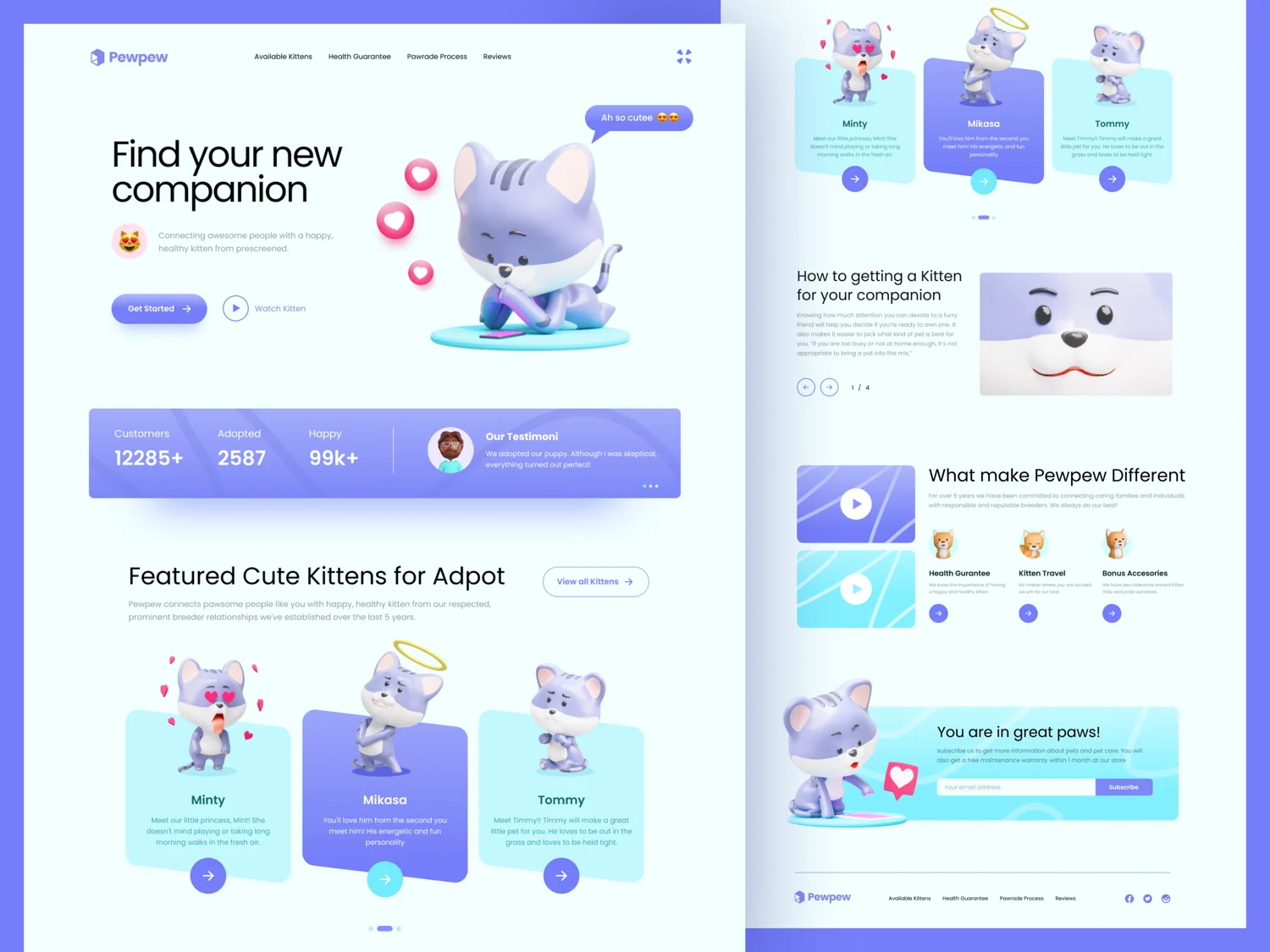
A website concept using Petz cats, showing one way to present a digital companion.
Start with feeding: the player chooses food, the pet eats and its mood changes. Give it three states, such as hungry, content and sleepy, with a different pose or animation for each.
Petz includes editable animals with body and facial rigs for creating those reactions. Use rendered images or short clips for a simple version, or a real-time character if players need to move the camera or interact with it directly.
Add animation playback, saved progress and rules for how feeding, play and rest affect the pet. Prepared poses can help you plan the reactions; animate the transitions needed for your game.
You could sell the game or offer optional cosmetic items. Watch whether players return to care for the pet before expanding the collection.
Choose your first build
Choose one result to make first: a six-scene story, an avatar saved to a profile or a pet that reacts when fed.
Characterz provides a customizable human cast, Animalz supplies cartoon animals for stories, and Petz offers a smaller group of companions. Pick the pack that fits your project and build that first scene or interaction.
Before release: Check the ThreeDee license for your project. Tools that let users customize or export assets, and public browser delivery of reusable 3D files, require a separate written agreement. Contact us about an extended license for those uses.