Characters & riggingAnimation & visuals
We redesigned Characterz: A guide to rigged 3D characters for Blender
Explore the redesigned Characterz site, try a 3D preview, and find the right Blender pack for a talking character, a still illustration or a full scene.
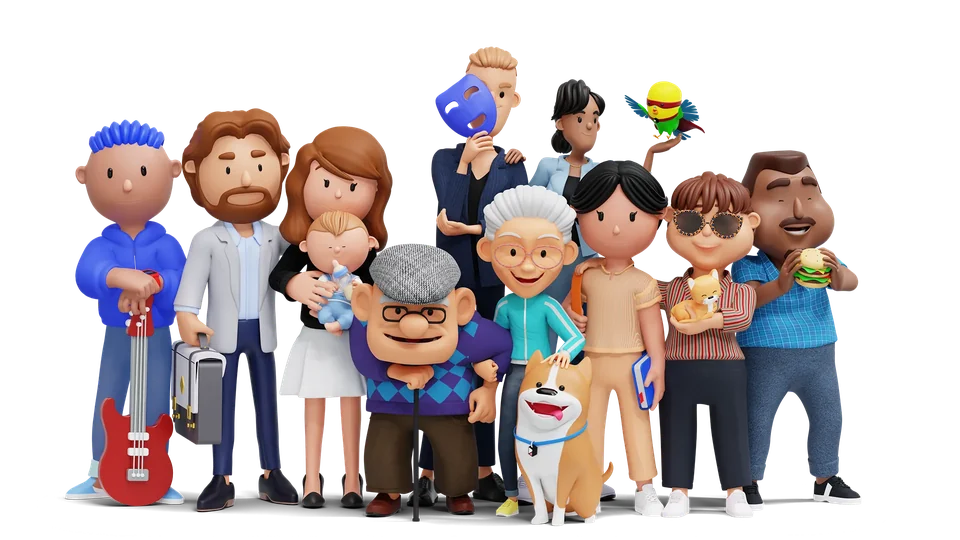
If you’re casting a character for an explainer, an avatar app or a game prototype, a front-facing render only answers one question: do I like how this character looks from here? You still need to know how it reads in profile, whether it can deliver a line, and which file you’ll work with.
We redesigned Characterz around those decisions. You can now turn a sample model in your browser, see how different packs look in finished scenes, and compare their Blender files, facial controls and ready-made renders before you choose.
What can you mix and match in Characterz?
The full Characterz collection includes 9 packs, with more than 3 billion possible combinations of characters, outfits and accessories, plus more than 50,000 transparent PNGs already rendered.
For example, start with an Adultz character in Blender, swap the outfit and hairstyle, then change the props to make a second version for a different scene. The available parts depend on the pack. For a still image, browse the included PNGs first to see if the pose and outfit you need are already there.
For a walkthrough, see our Blender character generator guide.
Try the new GLB preview in your browser
Open the interactive Characterz 3D preview and rotate the sample from the front to a three-quarter view and then to the side. If you’re choosing a character for an app icon, check whether the silhouette still reads at a glance. For a close-up with dialogue, look at the face from the angle you plan to frame.
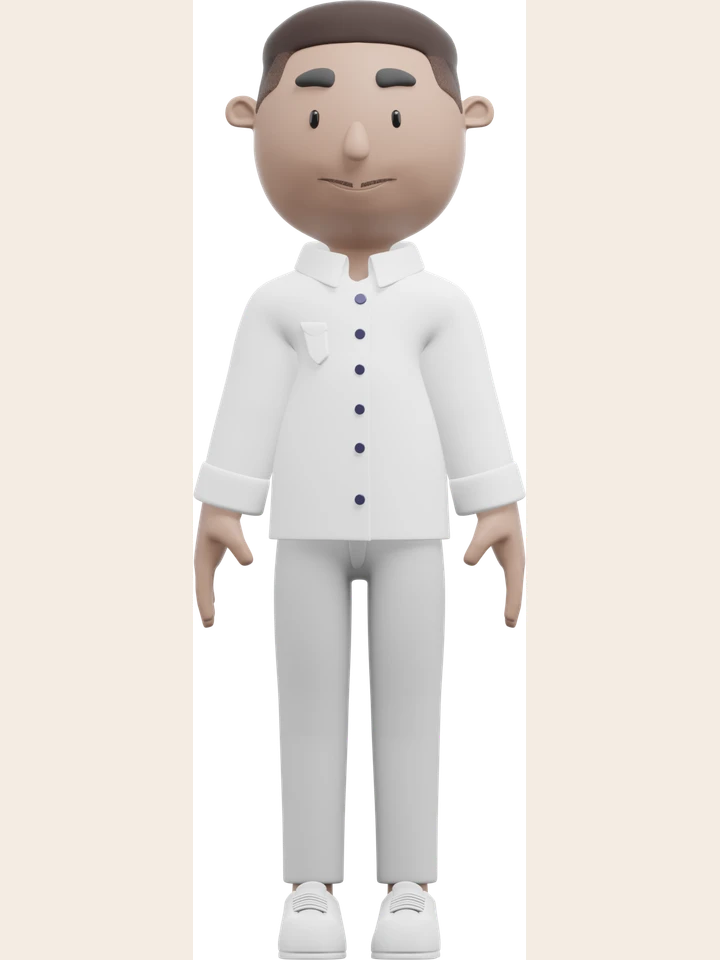
The browser preview lets you inspect a GLB before opening Blender. For facial controls, outfit changes or edits to the scene, check the editable Blender source and the feature list for the pack you’re considering.
Pick the facial controls your scene needs
An expression preset gives you a starting point for a reaction, such as a smile or a raised brow. Lip sync controls give you mouth shapes, called visemes, that you can time to dialogue. ARKit-style blendshapes expose individual facial movements. If you already have a face capture workflow, check which shapes it expects and how you’ll map them before you commit to a character.
- Adults. Adultz includes male and female Blender characters, eight expression presets, ARKit-style facial blendshapes and 15 lip sync visemes, including a resting shape for silence.
- Kids and babies. Teenz includes face rigs and lip sync for its boy and girl characters. Babiez includes lip sync and six facial expression controls.
- Older adults. Elderz includes eight preset expressions, a facial rig and lip sync controls. Start with a preset and adjust the face to suit the shot.
- Muscular and athletic characters. Fit body includes eight facial expressions, body and face rigs, sports outfits and matching props.
- Pets. Petz adds dogs, cats and birds to the cast. Use them for a background moment or make one the focus of a scene.
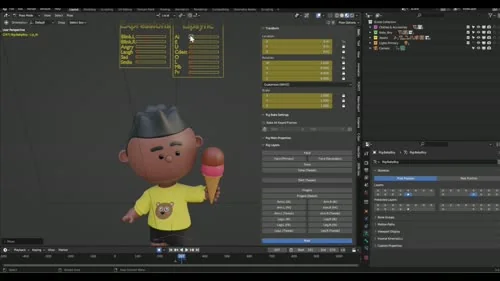
Watch the Babiez lip sync demo or see the facial expression controls in action.
For a dialogue shot, test one short line first. Pose a clear closed-mouth sound like M or B, an open vowel and a pause. Play the line at your intended camera distance before spending time on smaller mouth movements.
See how Characterz looks in a finished scene
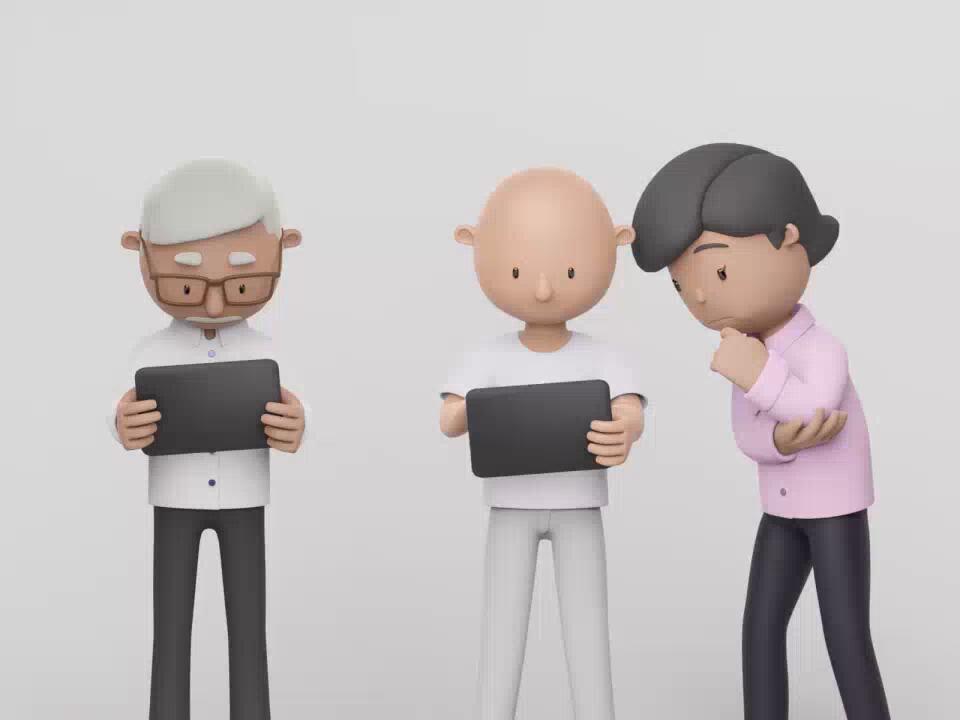
We built Showtime so you can see the packs in context. Start with the example closest to your project:
- Team animation. Use the group scene as a reference when you’re casting colleagues for an onboarding video or an explainer.
- Skateboard animation. Watch how the pose and silhouette read while the character is moving.
- Avatar app demo. See how a character can work inside an interface where the crop and available space shape what the viewer sees.
If you only need a still for a slide, landing page or mockup, start with a ready-made PNG from the relevant pack. If you need a particular camera angle, lighting setup or performance, open the Blender source. You can build the setting around the cast with Roomz.
What Blender artists said on Reddit
When we shared Characterz in r/blender, one viewer said the cast was so lively they thought they were watching an ad for an upcoming cartoon. Another loved the work and said they wanted to learn how to make something like it.

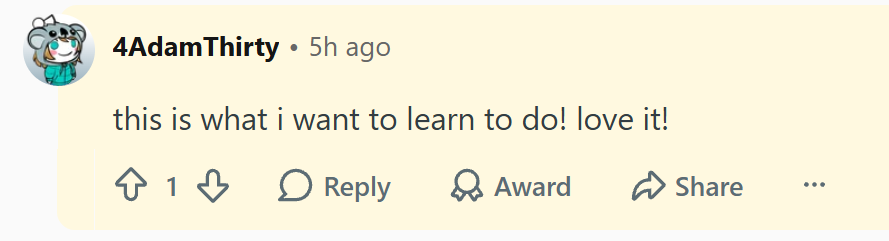
Read the Characterz discussion on r/blender
Browse Characterz in seven languages
The redesigned site is available in English, French, Spanish, German, Japanese, Korean and Simplified Chinese. Use the language selector to browse the pack pages in your preferred language.
If you’re planning your first scene, try the 3D preview, pick the pack that fits your cast and test one shot before building the rest.