
Blender tutorialsCharacters & rigging
Make Cute Chibi Characters Like a Pro in Minutes!
Use Chibiz in Blender to create a character by swapping outfits and hair, adjusting the face, and choosing a pose. Start with the editable Chibiz pack and Blender.
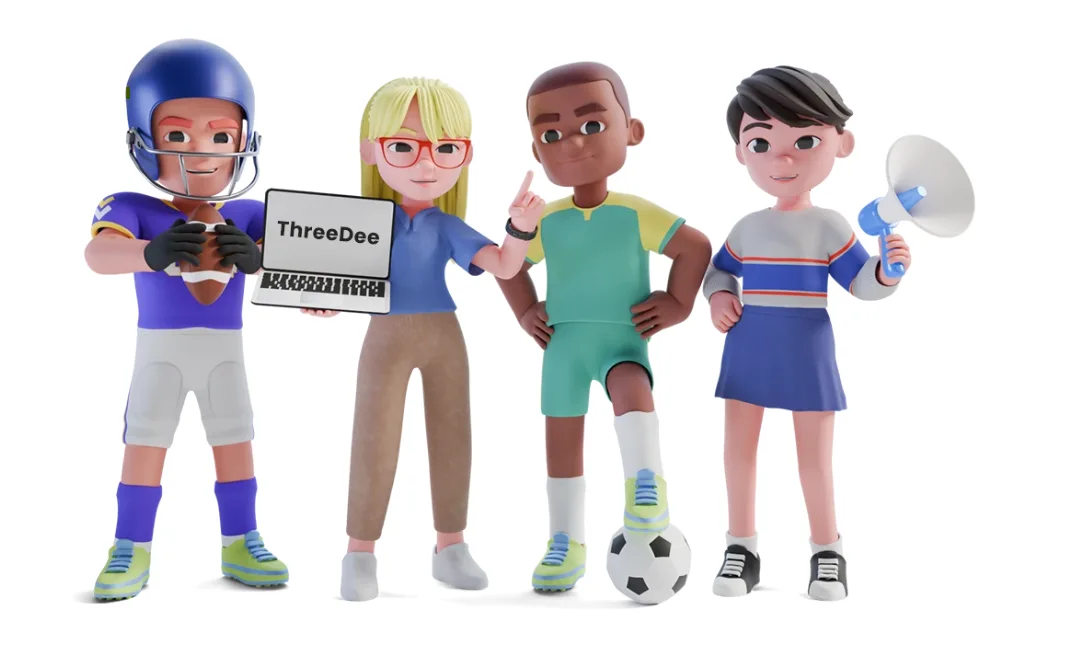
Open a Chibiz character in Blender
Open the Blender file from the Chibiz 3D pack and pick the character you want to customize. Decide where it will appear, such as a game, website, or illustration. That gives you a starting point for the outfit and pose.
Choose an outfit and hairstyle
Try an outfit, hairstyle, and a small set of accessories. View the character at the size it will appear in your project. At small sizes, a clear silhouette and a distinctive color or accessory can help make a character recognizable.
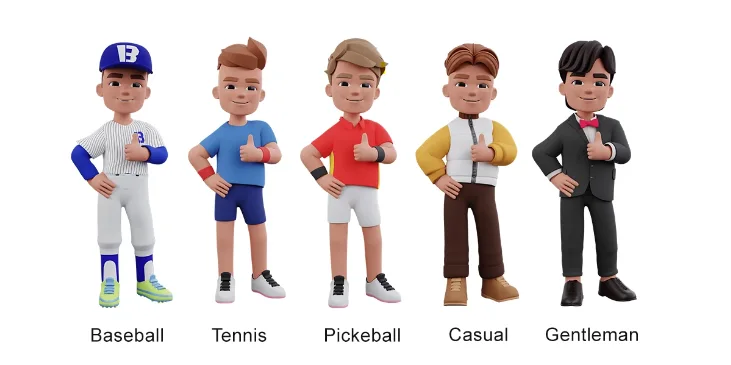
Outfit examples from the Chibiz pack. Compare how the clothing and props change each character’s silhouette.
Adjust the face and pose
Choose a facial expression that suits the character, then try one of the included poses as a starting point. In Blender, adjust the rig controls to refine the gesture. Check the pose from your camera angle so the arms and props read clearly against the body.
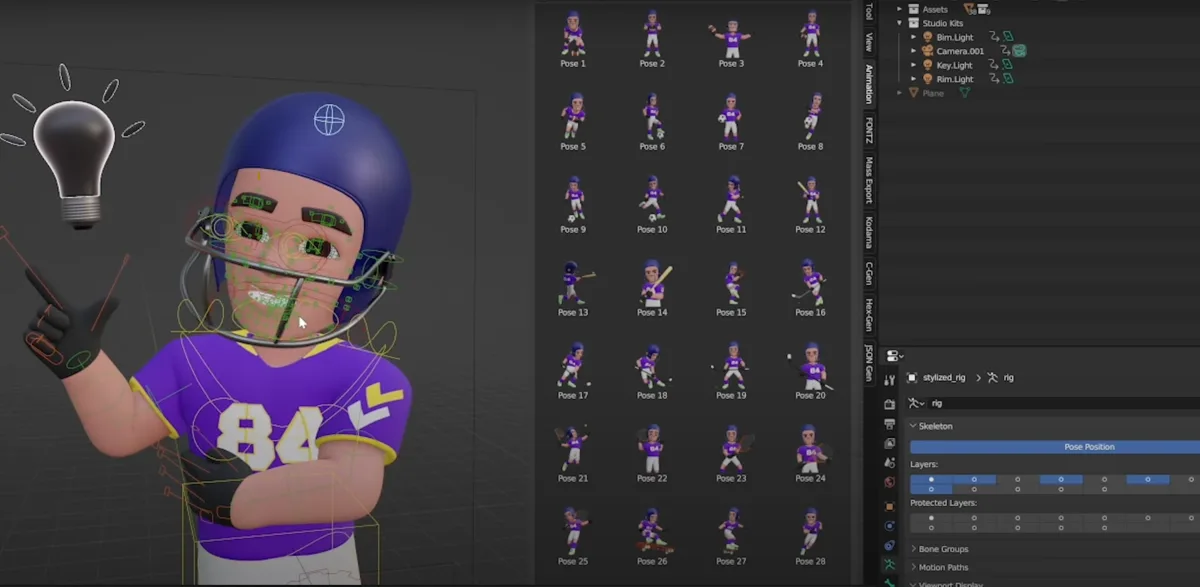
The Blender view shows a posed character alongside pose thumbnails. Use the thumbnails to compare poses before adjusting the rig.
Preview movement or render a still
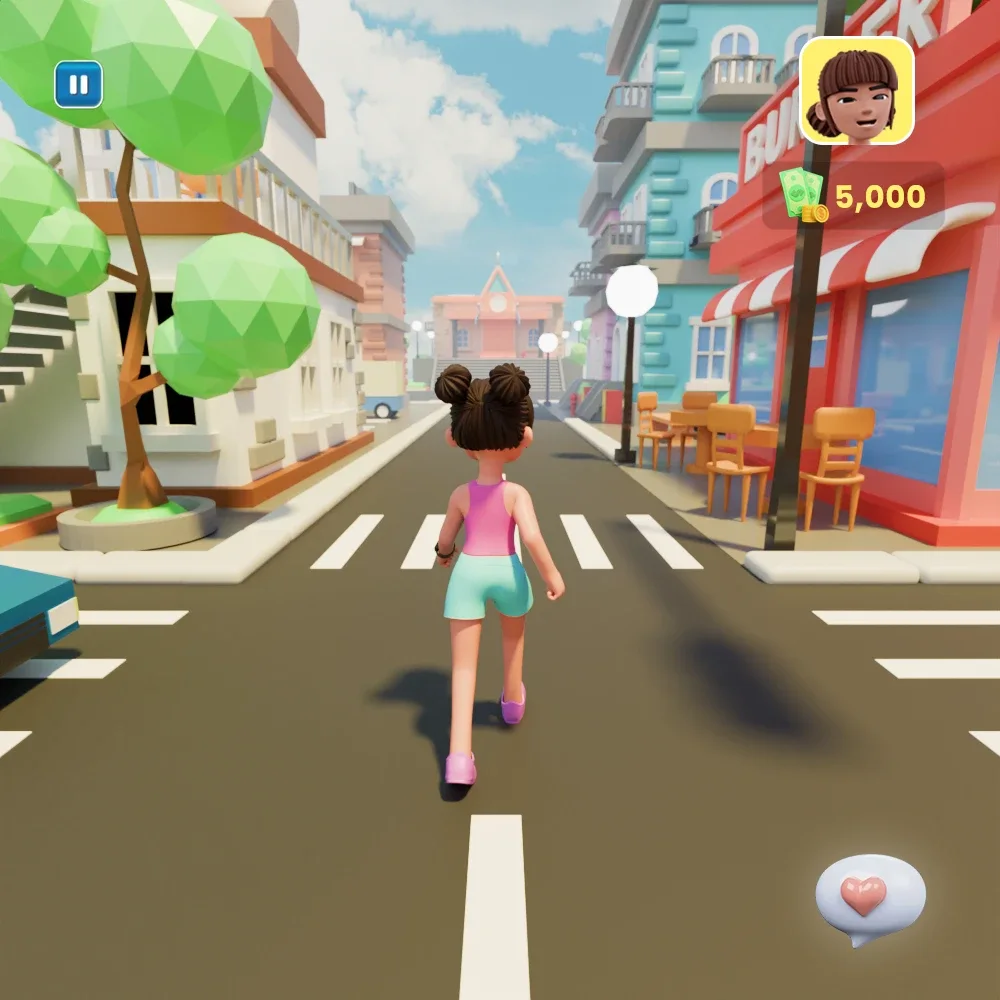
For an animation, start with a simple movement such as a wave. Preview it from the final camera angle and adjust the timing before rendering. For a still image, check the expression and silhouette at the intended display size.
Watch the Chibiz pack walkthrough
Check the license for your project
Review the ThreeDee license for your intended use, especially if you plan to distribute a project that includes the assets.