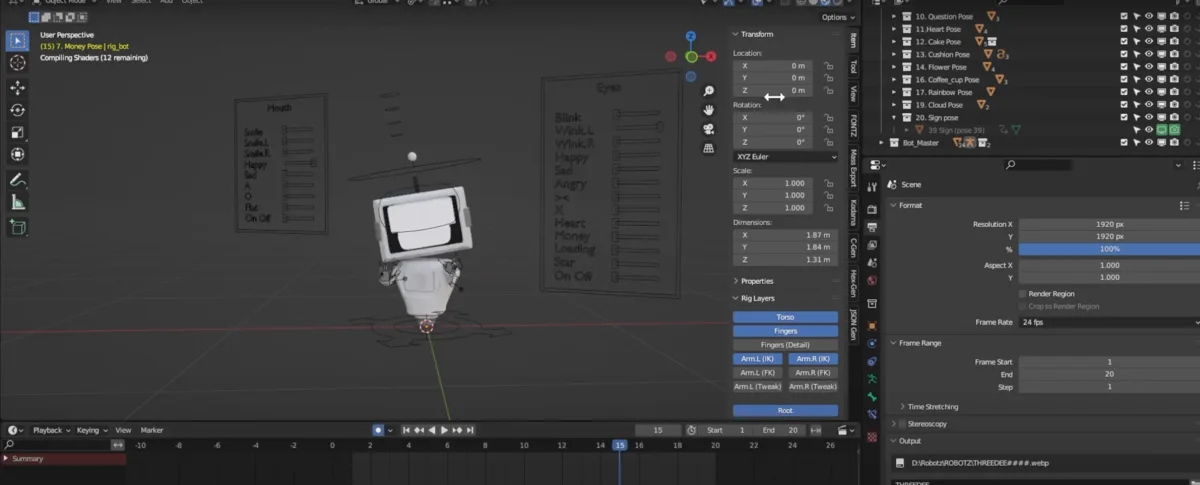
Blender tutorialsCharacters & rigging
Download Free Robot 3D Models and Create Magic
Start with the free Robotz Blender file, swap modular parts, then choose a preset pose or adjust the rig. The pack includes 20 poses and five animations you can use as starting points.
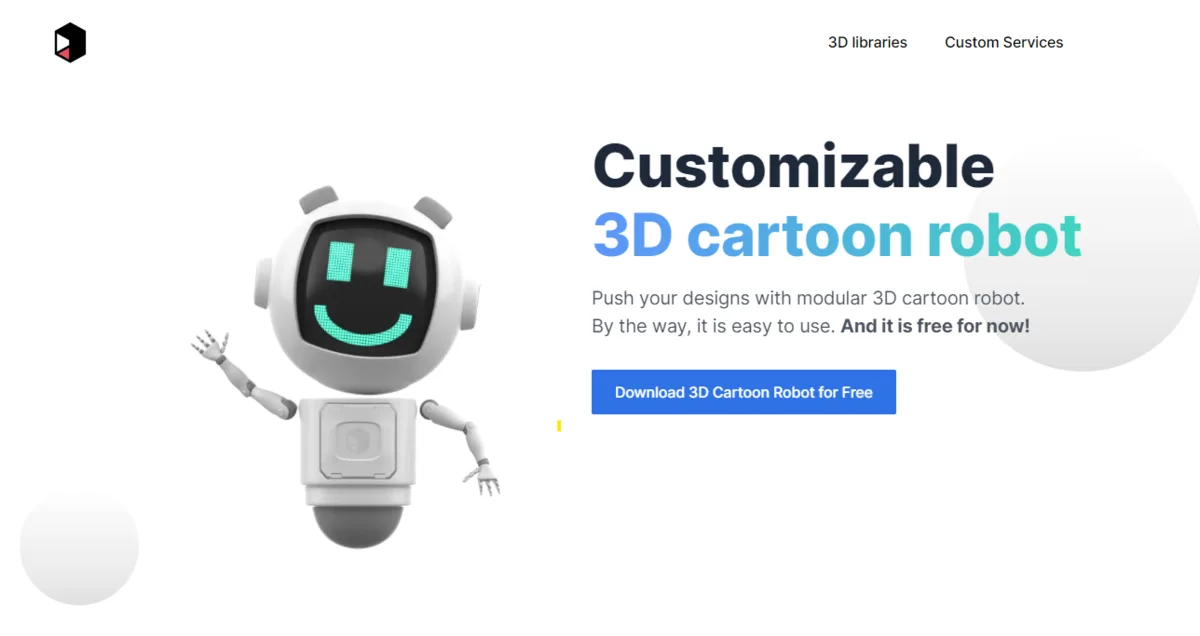
Get the Robotz files
Download the free Robotz pack and open the editable source file in Blender. If you only need a robot illustration for a design, start with the included PNG renders or Figma components.
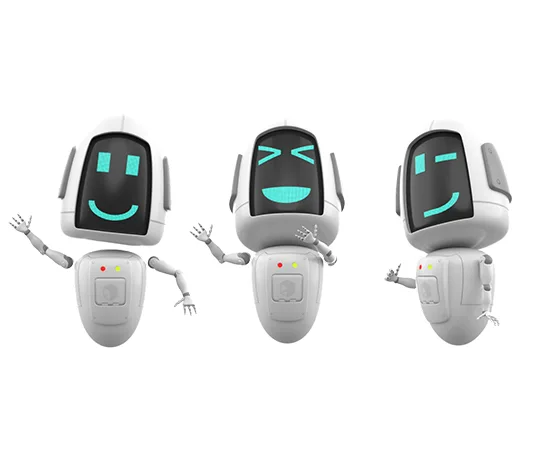
Swap parts and change materials
Start with a head, body, and set of limbs. Try one change at a time, such as swapping the head before changing the arms, so you can see what it does to the silhouette. Adjust the colors and materials in Blender after the parts are in place.
Watch the Robotz Blender tutorial
Pose and animate the robot
Choose a preset pose for a still image, or preview an included animation as a starting point for motion. Adjust the rig controls to change the stance or gesture. For a walk or a planted pose, check the feet from the side and front before rendering.
If you’re deciding which rig controls to use, read the IK and FK guide or watch the short IK and FK explainer.
Render the result
Frame the pose from the angle you’ll use in your design or animation. Make a quick preview to check the silhouette, lighting, and materials before rendering the final image.